
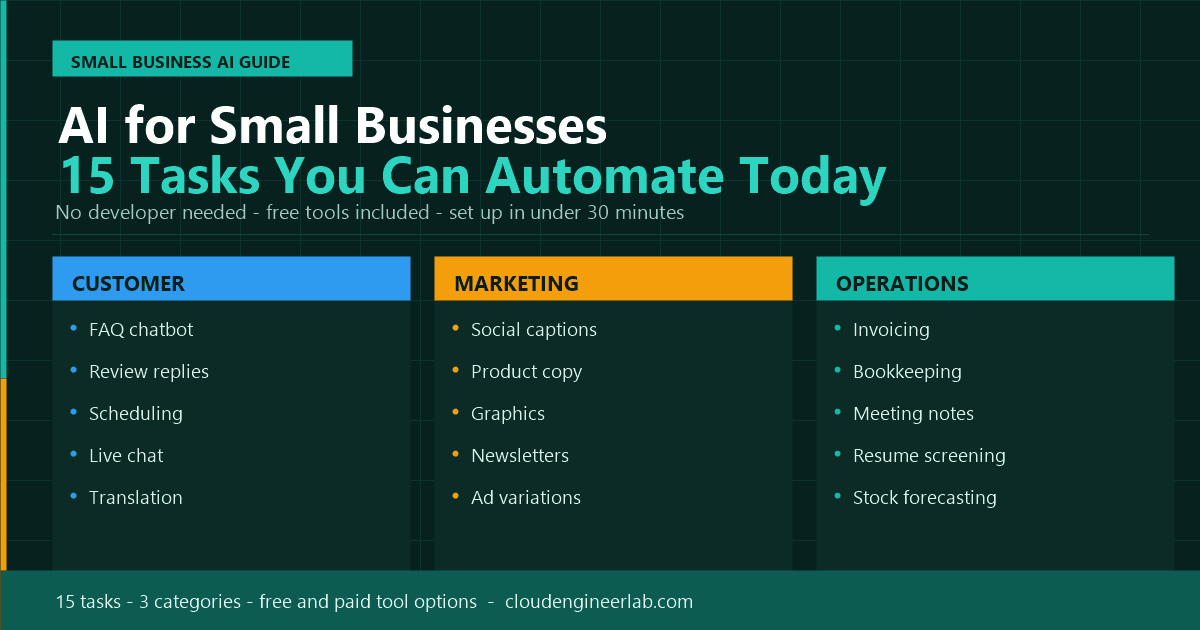
AI for Small Businesses: 15 Tasks You Can Automate Today
You don't need an IT department or a big budget to use AI. Here are 15 real tasks small business owners can automate this week, with free and paid tool options for each.
Big companies didn't get an AI head start because they're smarter. They got it because they had budget for a dedicated team to figure it out first. That gap is closing fast. Most of the AI tools below have free tiers, take under 20 minutes to set up, and don't require a single line of code.
This is a practical list: 15 real tasks a small business owner or a two-person team can hand off to AI starting today, grouped by where they actually happen in the business: customer-facing work, marketing, and back-office operations.
Who this is for
If you run a small business, manage a small team, or wear five hats at a growing company, this list is built for you, not for a technical department. Every tool mentioned has a plain-language interface and a free or low-cost starting tier.
Why This Matters More for Small Businesses Than Anyone Else
A large company can absorb the cost of a slow invoice process or a missed social media post. A small business often can't. Every hour spent on admin is an hour not spent on customers, sales, or the work that actually grows the business.
| Hiring a person for this task | Using AI for this task | |
|---|---|---|
| Cost | Salary, benefits, training time | Often free, or $10–30/month |
| Availability | Business hours only | 24/7, including weekends |
| Ramp-up time | Weeks | Minutes |
| Scales with growth | Requires hiring more people | Same tool handles 10x the volume |
AI doesn't replace your team. It replaces the repetitive parts of everyone's job, including yours.
Customer-Facing Tasks
1. Answering Common Customer Questions
Before: You or a staff member answer the same five questions (hours, pricing, return policy) over and over by phone, email, or DM.
With AI: A chatbot trained on your FAQ answers instantly, any time of day, and only escalates to a human for anything unusual.
Tools to try: Intercom Fin, Tidio AI, or a custom GPT built in ChatGPT with your FAQ pasted in as context.
2. Responding to Online Reviews
Before: Reviews pile up on Google, Yelp, or Facebook, and thoughtful replies take longer to write than they should.
With AI: Paste the review and get a genuine, on-brand response draft in seconds. You just personalise and post.
How to do it: "Here's a customer review: [paste review]. Write a warm, professional response that thanks them, addresses their specific point, and reflects a small, friendly local business tone."
3. Scheduling Appointments and Sending Reminders
Before: Back-and-forth texts or emails trying to find a time that works, then manually following up so people don't forget.
With AI: Tools like Calendly with AI scheduling assistants, or Google's Gemini-powered scheduling in Workspace, handle the back-and-forth and send automatic reminders.
Tools to try: Calendly, Cal.com, Google Calendar with Gemini.
4. Live Chat on Your Website
Before: A "Contact Us" form that gets checked once a day, missing customers who wanted an answer right now.
With AI: A website chat widget answers product questions, checks availability, or takes a booking while you're closed.
Tools to try: Tidio, Intercom, or a simple embedded ChatGPT-powered widget for smaller sites.
5. Translating for Multilingual Customers
Before: Losing a customer because nobody on staff speaks their language, or spending time on manual translation.
With AI: Real-time translation for chat, email, and even simple menus or signage, accurate for dozens of languages.
Tools to try: Google Translate (now AI-powered), DeepL, or asking ChatGPT/Claude directly to translate and adjust tone.
Marketing & Content Tasks
6. Writing Social Media Posts
Before: Staring at a blank post box, or skipping social media for weeks because there's no time to write captions.
With AI: Generate a week of on-brand captions in one sitting, then just review and schedule.
How to do it: "Write 5 Instagram captions for a [type of business] promoting [specific offer/product]. Keep each under 40 words, friendly tone, include one relevant hashtag set."
7. Creating Product Descriptions
Before: Writing (or rewriting) dozens of product listings by hand, one of the most tedious tasks in e-commerce.
With AI: Give it the product details once and get a polished, SEO-aware description back, repeatable for your whole catalogue.
Tools to try: ChatGPT, Copy.ai, or Shopify's built-in AI description generator.
8. Designing Marketing Graphics
Before: Paying a designer for every social graphic, or spending an hour in a design tool for something simple.
With AI: Describe what you need (a promo banner, a flyer, a logo variation) and get a usable draft in under a minute.
Tools to try: Canva AI (Magic Design), Adobe Firefly, Google's Nano Banana image tools.
9. Writing Email Newsletters
Before: Newsletters get skipped entirely because writing one from scratch each month is a chore that always loses to more urgent work.
With AI: Turn a list of updates, offers, or news into a formatted newsletter draft, ready to review and send.
How to do it: "Turn these 4 bullet points into a friendly monthly newsletter for our customers, under 300 words, with a clear call-to-action at the end."
10. Managing Ad Copy and A/B Testing
Before: Writing one version of an ad and hoping it performs, because there's no time to write and test five variations.
With AI: Generate multiple ad copy variations in minutes, so you can actually test what resonates instead of guessing once.
Tools to try: Google Ads' built-in AI copy suggestions, Meta Advantage+, or ChatGPT for drafting variations manually.
Operations & Finance Tasks
11. Creating and Following Up on Invoices
Before: Manually building invoices and remembering to chase overdue payments, an easy task to fall behind on when you're busy.
With AI: Automated invoice generation from a job or order, plus automatic, polite payment reminder emails on a schedule.
Tools to try: QuickBooks with AI features, Wave, FreshBooks; most now include automated reminder sequences.
12. Categorising Expenses and Bookkeeping
Before: A shoebox (or a messy spreadsheet) of receipts that gets sorted once a quarter under deadline pressure.
With AI: Bank and card transactions get automatically categorised as they come in, with anomalies flagged for review.
Tools to try: QuickBooks, Xero, or Expensify; all use AI-based categorisation by default now.
Financial data needs extra care
Never paste real account numbers, full card details, or sensitive financial data into a general-purpose AI chatbot. Use dedicated accounting software with built-in AI features. They're built with the right data handling and compliance controls; a general chat tool is not.
13. Summarising Meetings and Calls
Before: Taking notes during a client call while also trying to actually listen, then writing them up properly afterward.
With AI: Automatic transcription and summary (decisions, next steps, who owns what) the moment the call ends.
Tools to try: Otter.ai, Fireflies.ai, or Microsoft Copilot if you're on Microsoft 365.
14. Screening Job Applications
Before: Reading through 60 resumes for one open role, most of which clearly don't fit, one by one.
With AI: AI does a first pass against your job requirements, ranking or flagging the strongest matches for your actual review.
Tools to try: Most modern applicant tracking systems (Breezy HR, BambooHR) now include AI screening; ChatGPT can also help draft screening questions and rank submitted answers.
15. Forecasting Demand and Reordering Stock
Before: Guessing how much stock to order based on gut feel, leading to either dead stock or embarrassing out-of-stock moments.
With AI: Tools analyse your sales history and seasonal patterns to suggest reorder timing and quantities before you run out.
Tools to try: Built-in AI forecasting in Shopify, Square, or dedicated inventory tools like Cin7.
Quick Reference Table
| # | Task | Category | Free Option | Paid Option |
|---|---|---|---|---|
| 1 | FAQ / customer questions | Customer | ChatGPT custom GPT | Intercom Fin, Tidio |
| 2 | Review responses | Customer | ChatGPT / Claude | Reputation.com |
| 3 | Appointment scheduling | Customer | Google Calendar | Calendly Pro |
| 4 | Website live chat | Customer | Tidio free tier | Intercom |
| 5 | Translation | Customer | Google Translate | DeepL Pro |
| 6 | Social media captions | Marketing | ChatGPT / Gemini | Copy.ai |
| 7 | Product descriptions | Marketing | ChatGPT | Shopify Magic |
| 8 | Marketing graphics | Marketing | Canva free AI | Adobe Firefly |
| 9 | Email newsletters | Marketing | ChatGPT / Claude | Mailchimp AI |
| 10 | Ad copy variations | Marketing | ChatGPT | Google Ads AI, Meta Advantage+ |
| 11 | Invoicing & reminders | Operations | Wave (free) | QuickBooks |
| 12 | Bookkeeping | Operations | Wave (free) | Xero, QuickBooks |
| 13 | Meeting summaries | Operations | Otter.ai free tier | Microsoft Copilot |
| 14 | Resume screening | Operations | ChatGPT (manual) | Breezy HR |
| 15 | Inventory forecasting | Operations | Built into Square | Cin7 |
Build Your Automation Stack in Three Stages
You don't need all 15 running at once. Here's a realistic order to introduce them.
Stage 1 (Week 1): Free tools, zero cost
Pick two or three tasks from the list where a free tier already exists: a custom ChatGPT FAQ bot, Canva AI for one graphic, or Wave for invoicing. Get comfortable with the habit before spending anything.
Stage 2 (Month 1): Under $50/month
Once you've proven the time savings on a couple of tasks, add one paid tool where the free tier felt limiting, usually customer chat or bookkeeping software with AI built in.
Stage 3 (Month 2-3): The connected stack
Start connecting tools together: your scheduling tool feeding your CRM, your invoicing tool triggering your bookkeeping categorisation automatically. This is where the real time savings compound.
Don't automate everything at once
The businesses that get the most value from AI pick one painful, repetitive task, fix it completely, and only then move to the next one. Trying to automate all 15 tasks in the same week usually means none of them get set up properly.
A Word on Trust and Verification
AI-generated customer replies, marketing copy, and financial categorisations are drafts, not final answers, especially early on, while you're still learning what a tool gets right and wrong for your specific business.
- Read every AI-drafted customer or review response before it goes out; tone matters more for a small, personal business than a large one
- Spot-check AI-categorised expenses monthly until you trust the pattern it's learned
- Never let an AI tool make a financial commitment (refund, discount, contract term) without a human confirming it first
For a deeper look at why AI tools can sound confident while being wrong, see AI Hallucinations Explained.
The Bottom Line
None of these 15 tasks require a developer, a big budget, or months of setup. Most take less than half an hour to configure and start paying back time within the first week.
Pick the task on this list that's costing you or your team the most hours right now (customer questions, invoicing, or social media are usually the biggest wins for a small business) and automate that one first. The other 14 can wait until the first one is working.

Written by
Chetan Yamger
Cloud Engineer · AI Automation Architect · Modern Workplace Consultant
Cloud Engineer, AI Automation Architect, and Modern Workplace Consultant based in Amsterdam, Netherlands. Specializing in scalable, secure enterprise solutions with Microsoft Azure, Intune, PowerShell, and AI-driven automation using ChatGPT, Gemini, and modern LLM technologies.
Stay in the loop.
New articles, straight to you.
Deep-dive technical articles on Intune, PowerShell, and AI — no noise, no spam.
Discussion
Share your thoughts — your email stays private
Leave a comment