
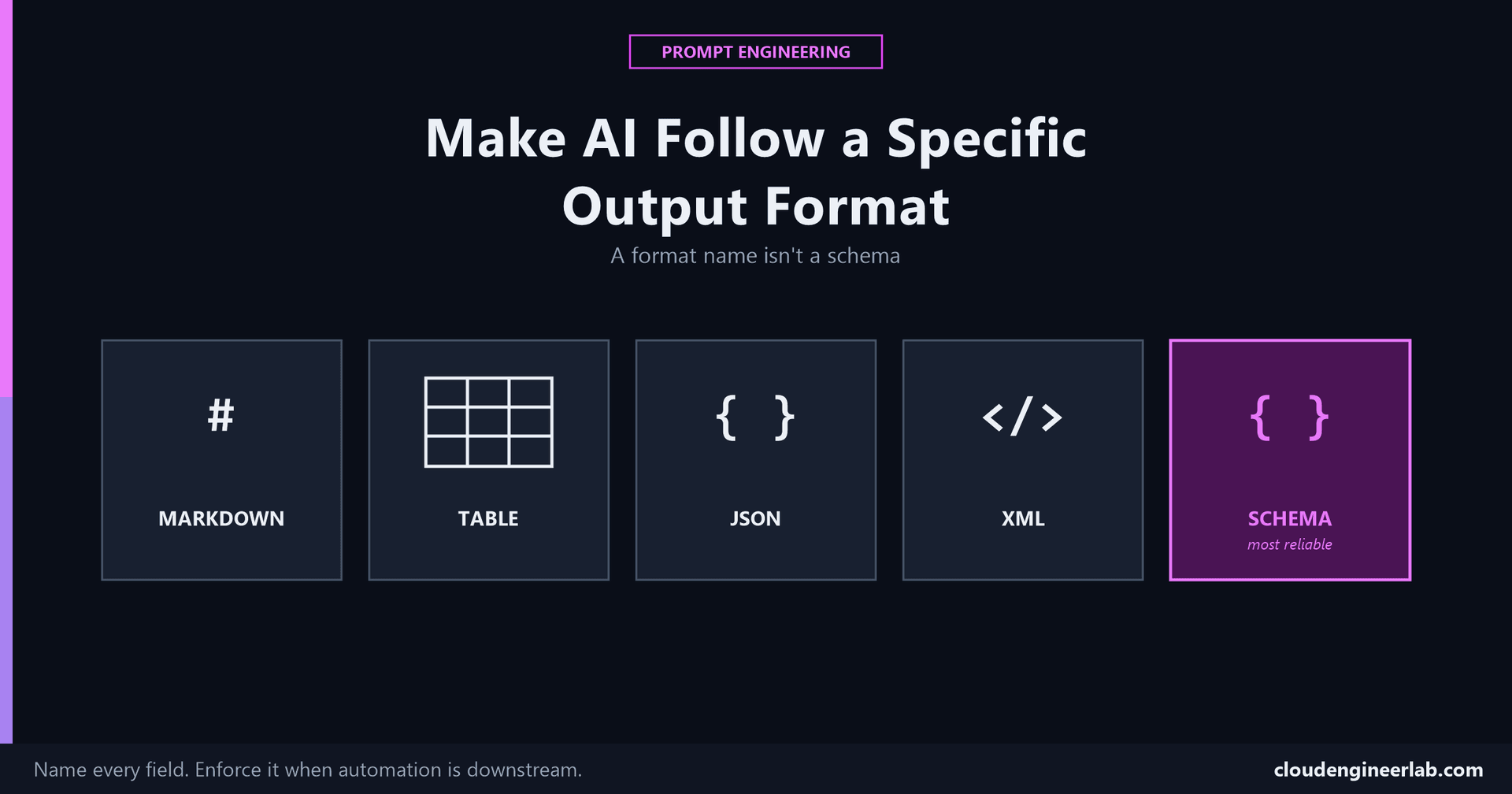
How to Make AI Follow a Specific Output Format
Asking for 'a table' or 'JSON' isn't a format specification, it's a suggestion. Here's what actually gets consistent, parseable output every time.
Output Format was the sixth ingredient in the anatomy of a prompt, described in one line: the final shape the response should take. This is the full technique, because "give me a table" and "give me JSON" are requests, not specifications, and the gap between the two is exactly where automation pipelines break.
Why "Just Format It as X" Isn't Enough
A format name isn't a schema
"Put this in a table" doesn't say which columns, in what order, with what headers. "Return JSON" doesn't say which keys, what types, or what happens for a missing value. Without that detail, you get a table, some JSON, structurally different every time you ask, which is fine for a one-off read and a real problem the moment something downstream needs to parse it reliably.
Markdown
The most forgiving format, and still worth being specific about. Naming the exact structure, headers, bullet versus numbered lists, whether code should be fenced, removes the model's need to guess your house style.
"Format the response as Markdown: a level-2 heading per section, bullet points for lists, and any command shown in a fenced code block with the language tag specified."
Tables
Name every column, in order, every time
"Summarise these devices in a table" produces a plausible-looking table with columns the model chose. "Summarise these devices in a table with exactly these columns, in this order: Device Name, Last Check-in, Compliance Status, Action Needed" produces the same table every time, from every run, from every teammate who uses the same instruction.
JSON
The most common format for anything feeding into a script, and the one with the most ways to quietly fail.
Describe every key explicitly
Not "return JSON with device info," but "return JSON with exactly these keys: deviceName (string), errorCode (string), severity (one of: low, medium, high)."
Explicitly forbid anything except the JSON itself
"Return only valid JSON. No explanation, no markdown code fence, no leading or trailing text." Without this, a model will often wrap the JSON in a ```json fence or add a sentence before it, which is exactly the kind of output a script's JSON.parse() or ConvertFrom-Json doesn't expect and fails on.
Prefer the platform's actual structured output feature over prompting alone, when one exists
Most current model APIs offer a real enforcement mechanism, a JSON mode, a function-calling/tool schema, or a response schema parameter, that constrains the output at the API level rather than hoping the prompt's wording is followed. When available, this is meaningfully more reliable than instructions alone, because it isn't a request the model could still deviate from, it's a structural constraint the API enforces before the response ever reaches you.
XML
Less common in new systems, still very real in enterprise integrations that predate JSON's dominance. The same discipline applies, name every tag explicitly, including nesting, attributes, and what an empty or missing value should look like, since XML has more structural ways to be technically valid but still unusable (self-closing tags versus empty tags, attribute versus nested-element choices).
Structured Data, as a Concept Beyond Any One Format
Before naming a format at all, define the actual shape of the answer in your own head: what are the fields, what type is each one, what's required versus optional. A clear mental schema translates cleanly into Markdown, a table, JSON, or XML. A vague sense of "some structured info" produces inconsistent results no matter which format name you attach to it.
Schema-Based Output: The Most Reliable Approach
Show the shape, don't just describe it
The most reliable technique combines everything above: provide an actual schema, a JSON Schema block, a TypeScript-style interface, or a concrete filled-in example, the few-shot technique covered in full here, rather than a prose description of the fields. A schema removes ambiguity a written description can still leave open.
{
  "deviceName": "string",
  "errorCode": "string",
  "severity": "low | medium | high",
  "checkedAt": "ISO 8601 timestamp"
}
Pasting a block like this into the prompt, alongside an instruction to match it exactly, gets far more consistent results than describing the same four fields in a sentence.
A Worked Progression
Vague: 'give me the error info as JSON'
Produces JSON, with keys, casing, and nesting that vary between runs, unusable for a script expecting a fixed structure.
Explicit: naming every key, type, and format
Produces consistent JSON in nearly every run, still theoretically capable of an occasional deviation, a stray sentence, a slightly different key name, since it's an instruction, not an enforced constraint.
Schema-enforced: using the API's actual structured output feature
Produces JSON that is guaranteed to match the schema by the platform itself, not by the model choosing to comply with the prompt's wording.
Reach for enforcement, not just clearer wording, once output feeds automation
For a one-off answer you'll read yourself, explicit instructions are usually enough. For anything a script, a pipeline, or an AI agent's tool call will parse automatically, prefer an actual schema-enforcement mechanism over prompt wording alone, the failure mode of "usually works" is exactly the kind of intermittent bug that's hardest to catch in production.
Summary
The one idea worth keeping
A format name is the start of a specification, not the whole thing. Name every field, every type, every edge case, and when the output feeds something automated, prefer an actual enforced schema over hoping the model follows instructions correctly every single time. This same discipline, be specific about the deliverable, not just its category, is the same principle behind the Task ingredient generally, just applied specifically to what the output looks like rather than what it says.
Have you had an automation break because an AI's output format quietly drifted between runs? That's usually the sign a prompt-only format instruction needed to become an actual enforced schema instead. Drop a comment with what broke and how you fixed it.

Written by
Chetan Yamger
Cloud Engineer · AI Automation Architect · Modern Workplace Consultant
Cloud Engineer, AI Automation Architect, and Modern Workplace Consultant based in Amsterdam, Netherlands. Specializing in scalable, secure enterprise solutions with Microsoft Azure, Intune, PowerShell, and AI-driven automation using ChatGPT, Gemini, and modern LLM technologies.
Stay in the loop.
New articles, straight to you.
Deep-dive technical articles on Intune, PowerShell, and AI — no noise, no spam.
Discussion
Share your thoughts — your email stays private
Leave a comment