Prompt Engineering for PowerShell: From Natural Language to Safe Automation
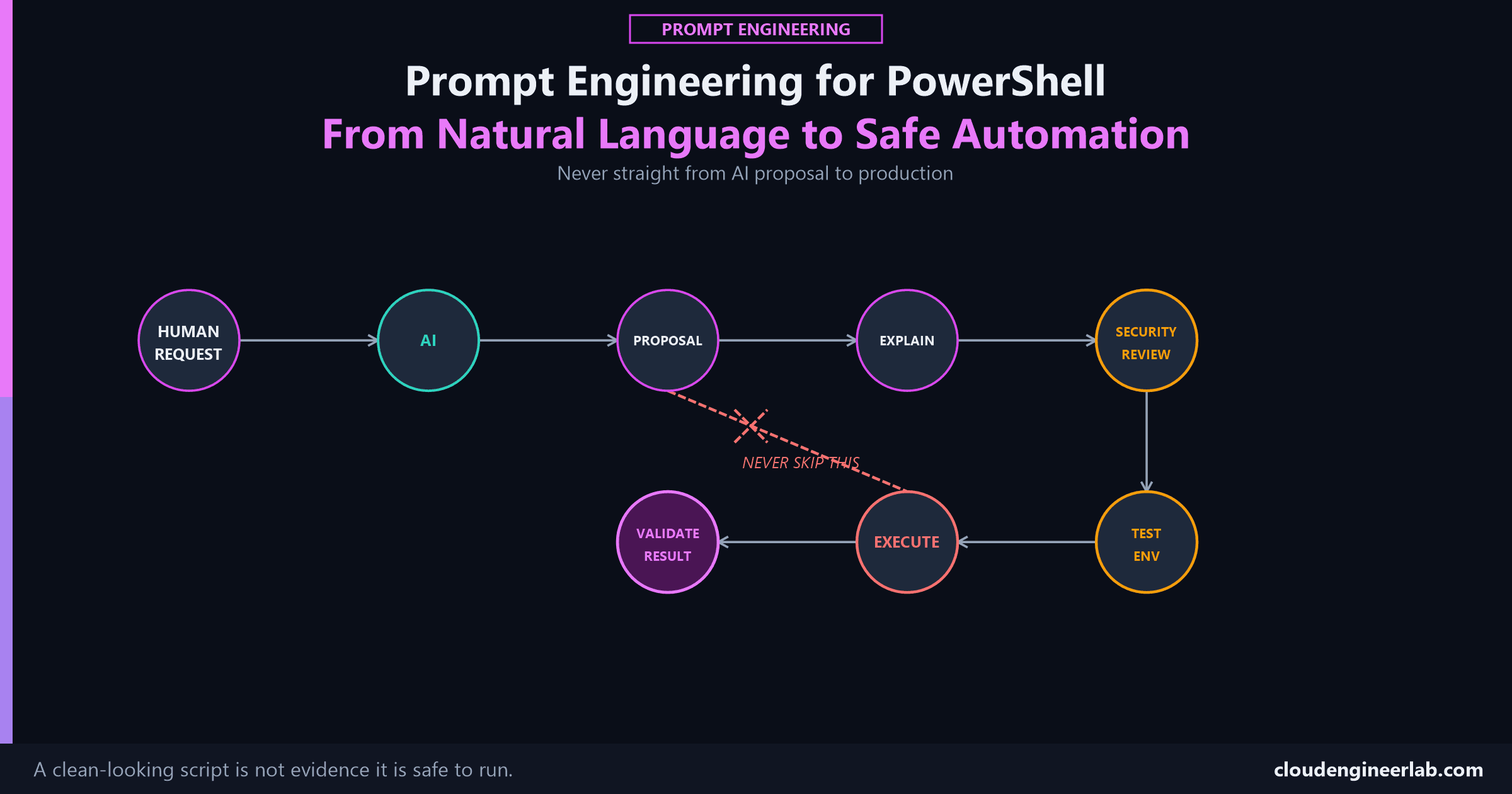
AI can write you a working PowerShell script in seconds. Whether it's safe to run against your tenant is a completely separate question, with its own workflow.
19 posts

AI can write you a working PowerShell script in seconds. Whether it's safe to run against your tenant is a completely separate question, with its own workflow.

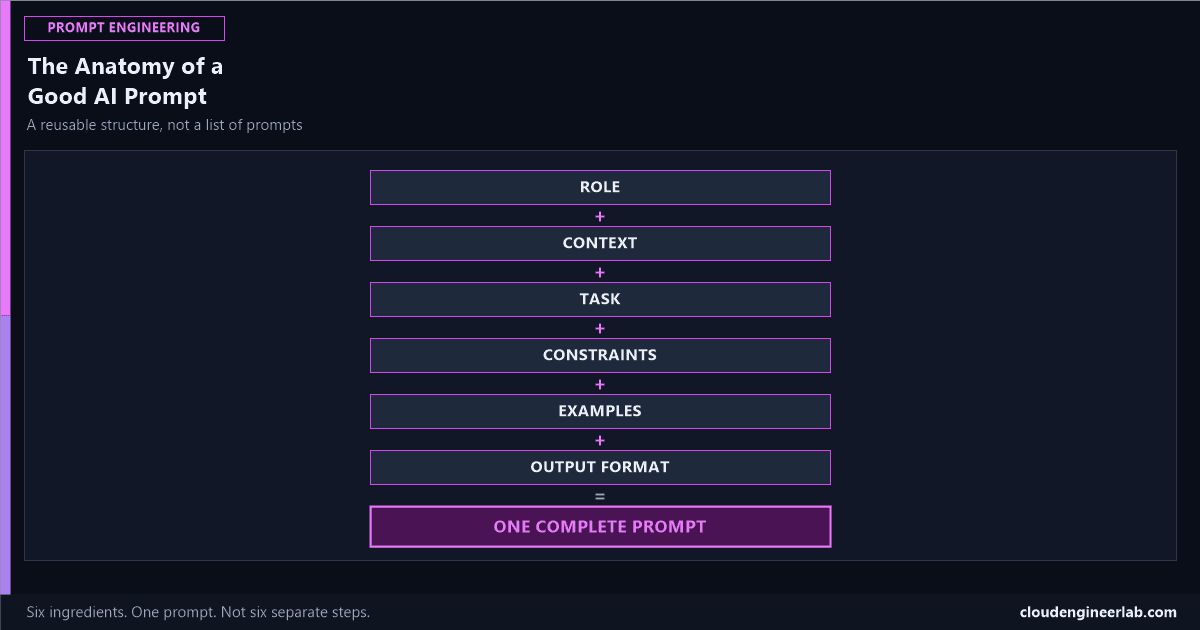
Six ingredients, combined into one prompt, that work for almost any task. Not another list of prompts to copy, the actual structure they're all built from.

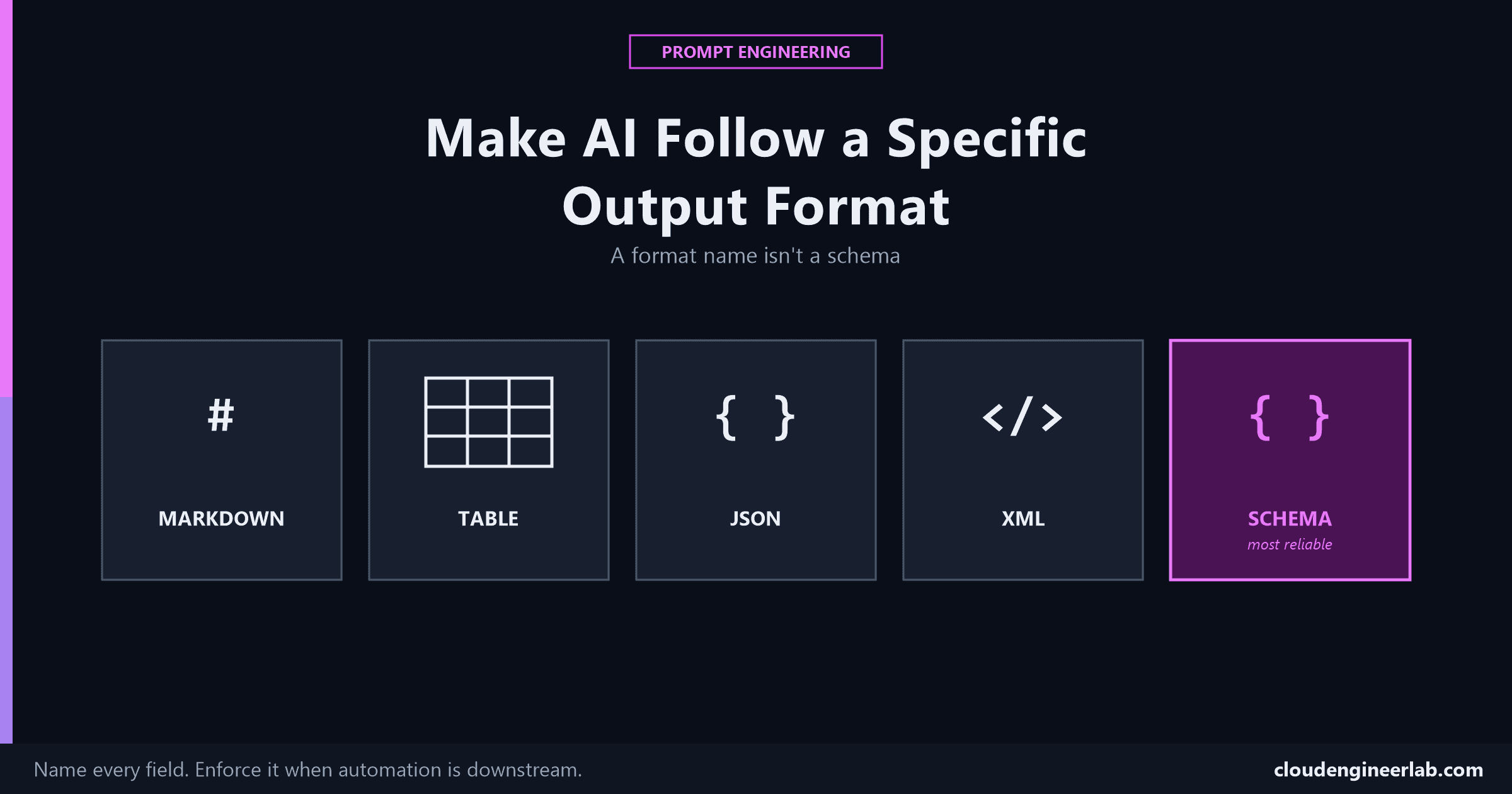
Asking for 'a table' or 'JSON' isn't a format specification, it's a suggestion. Here's what actually gets consistent, parseable output every time.

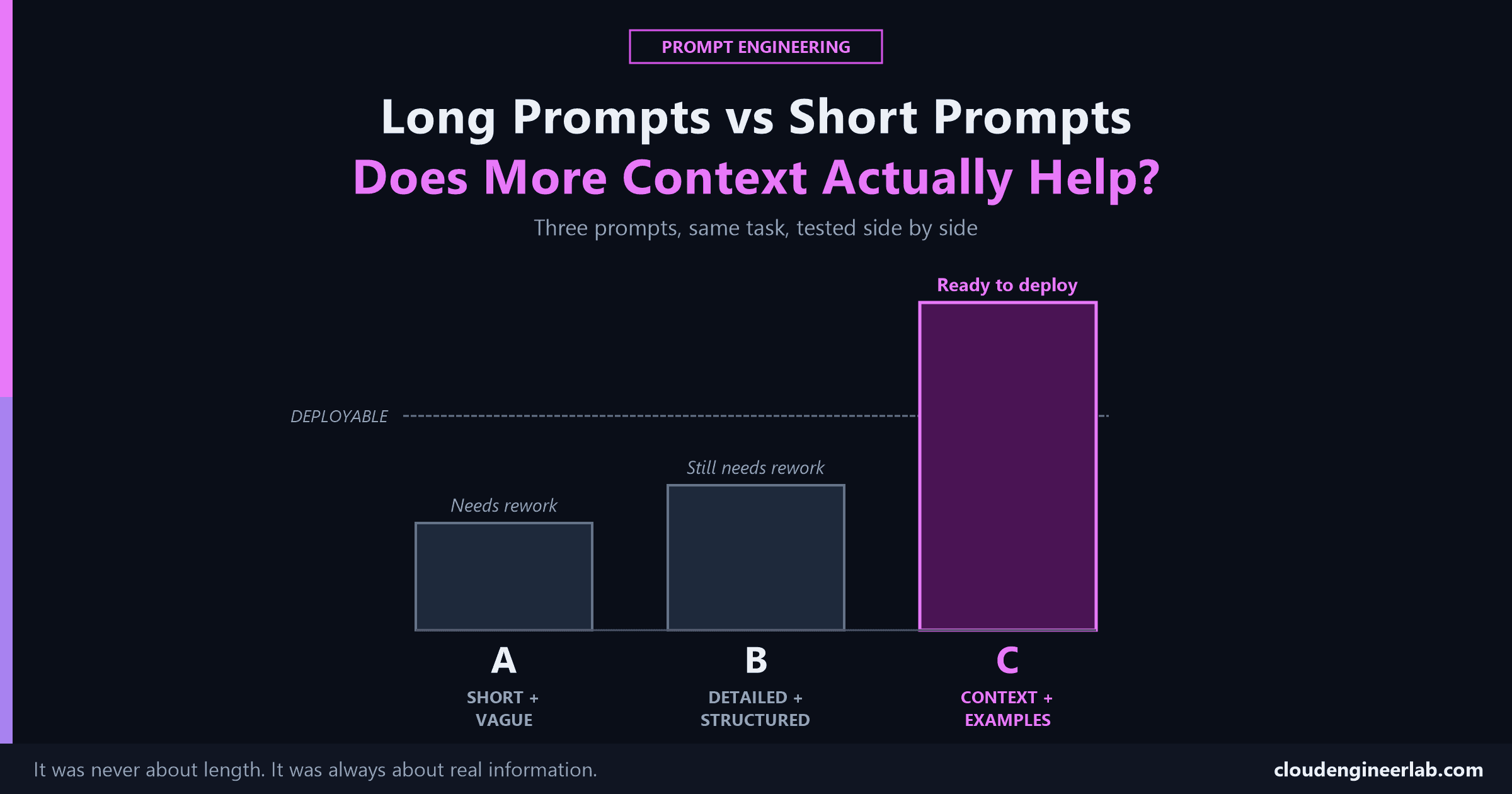
Three versions of the same request, short and vague, long and structured, and long with real information, tested against each other instead of argued about.

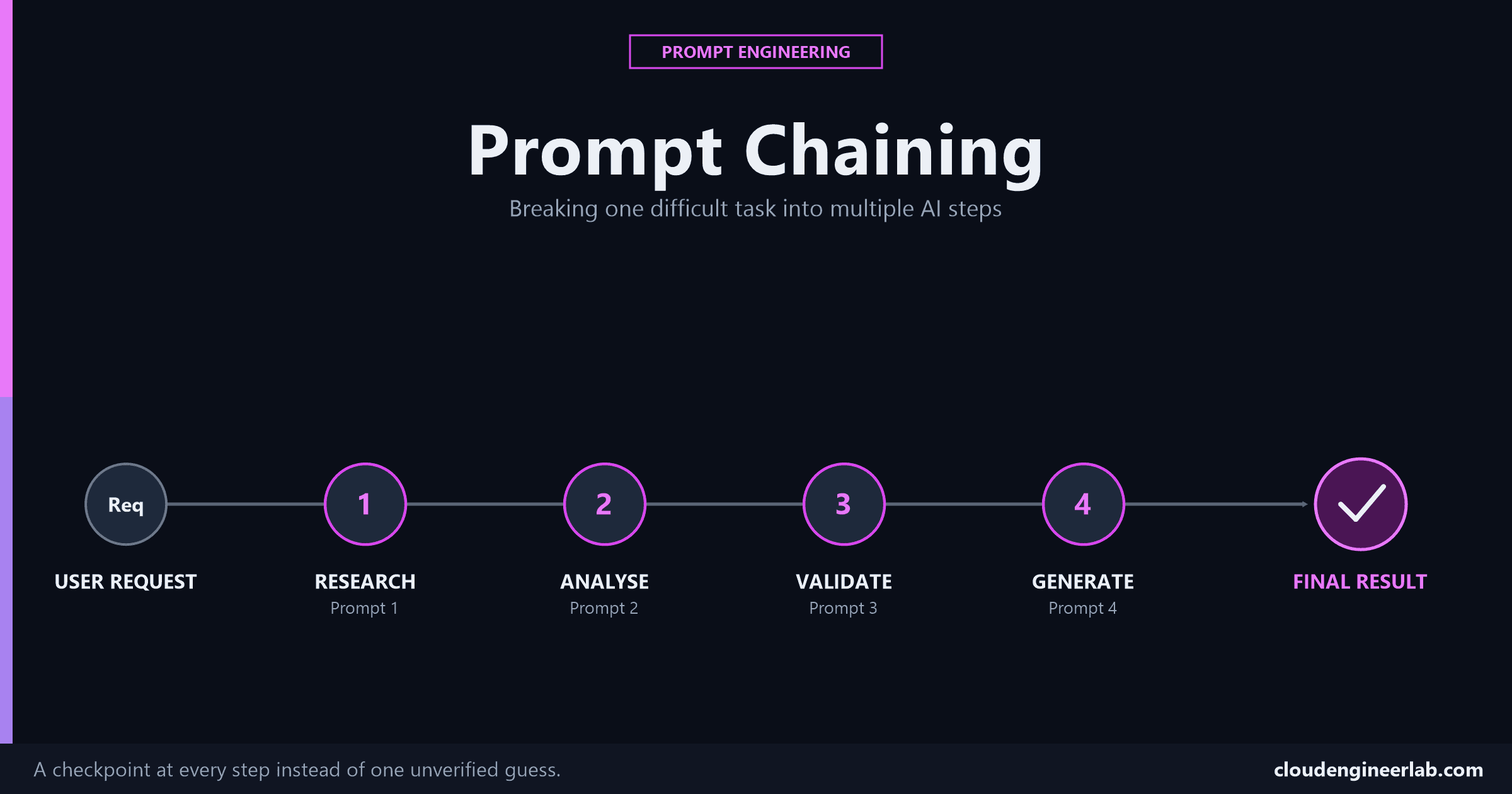
One giant prompt asks a model to research, analyse, validate, and generate all at once, with no chance to catch a mistake before it reaches the final answer. Chaining fixes that.

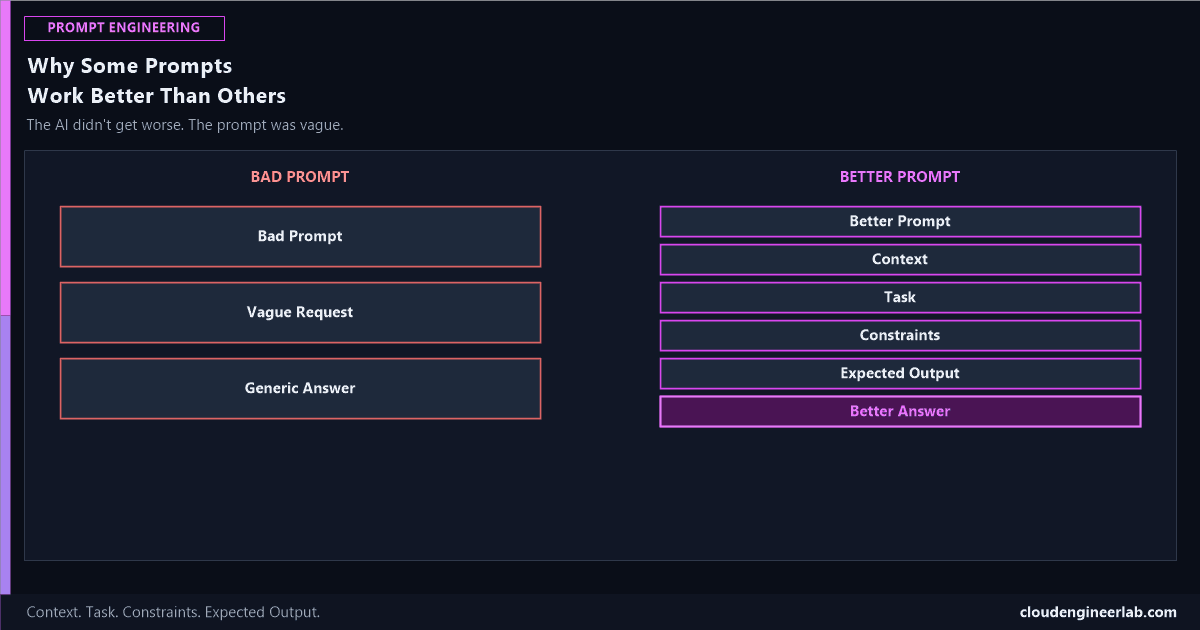
The AI didn't get worse. The prompt was vague. Here's the actual difference between a request that gets a generic answer and one that gets a genuinely useful one.

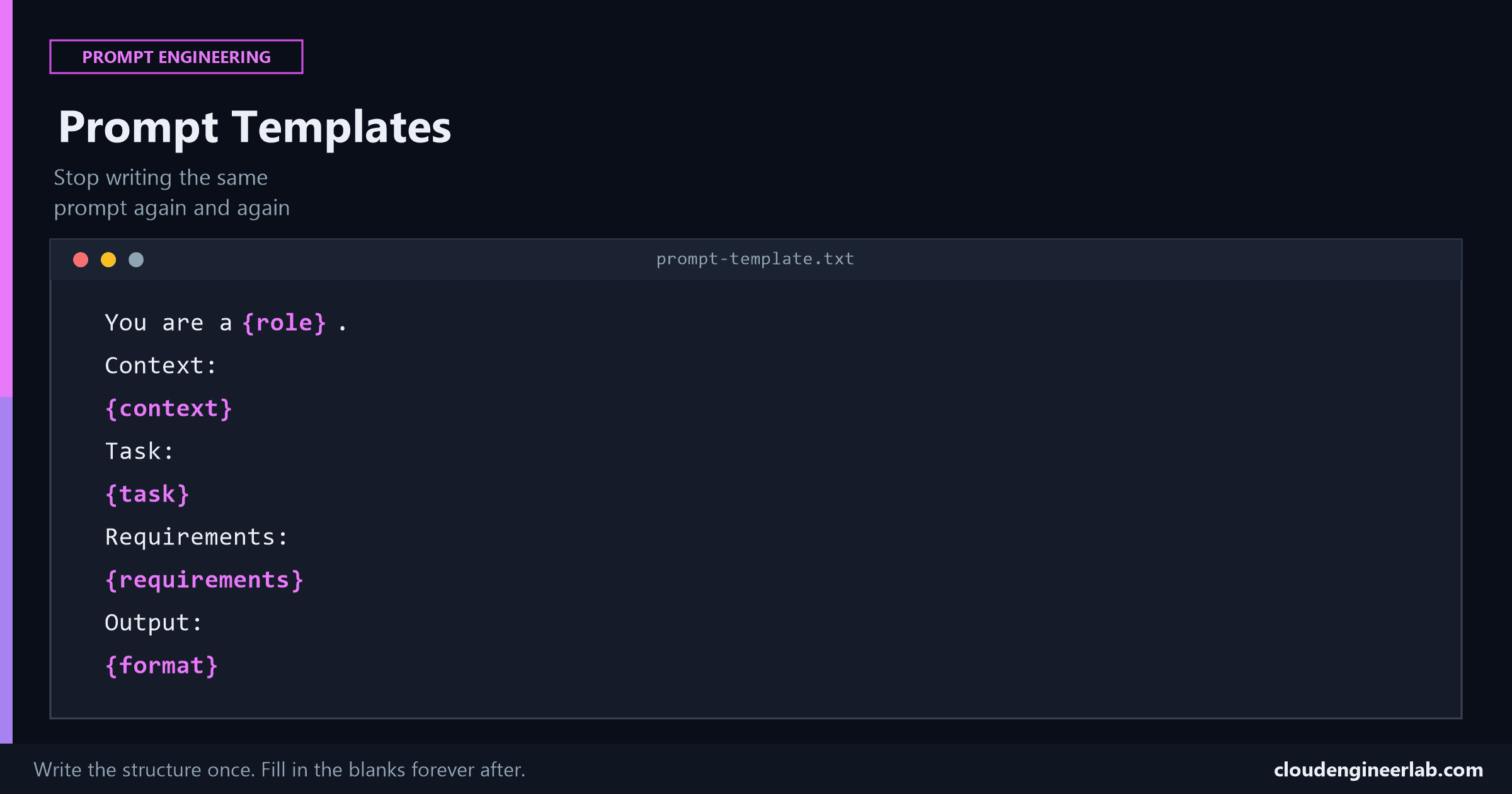
Six ingredients, written once as a template with variables, instead of retyped from memory every time. This is where prompt engineering starts becoming engineering.

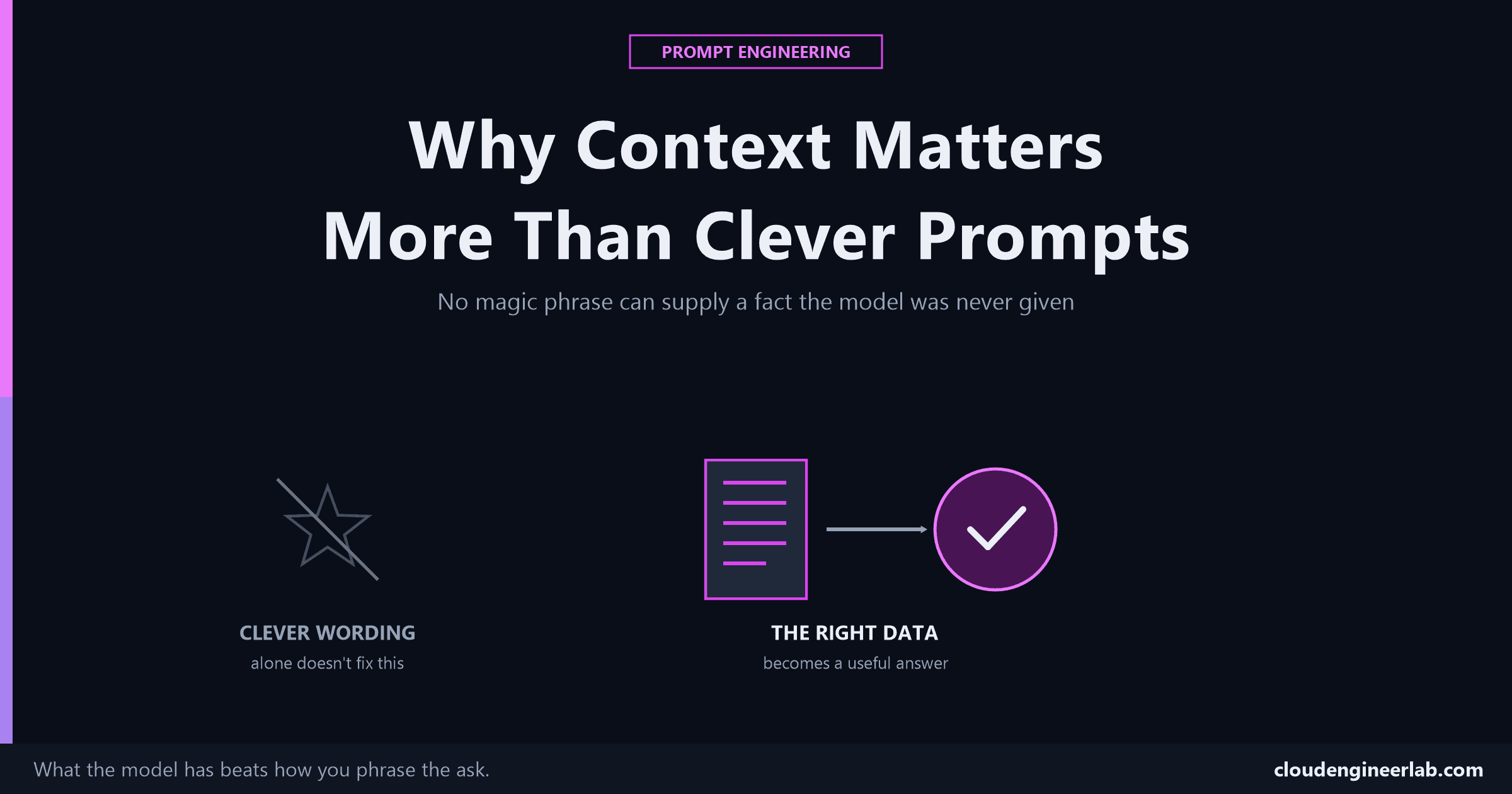
No magic phrase can supply a fact the model was never given. The real lever most people underuse isn't wording, it's what information actually reaches the model.

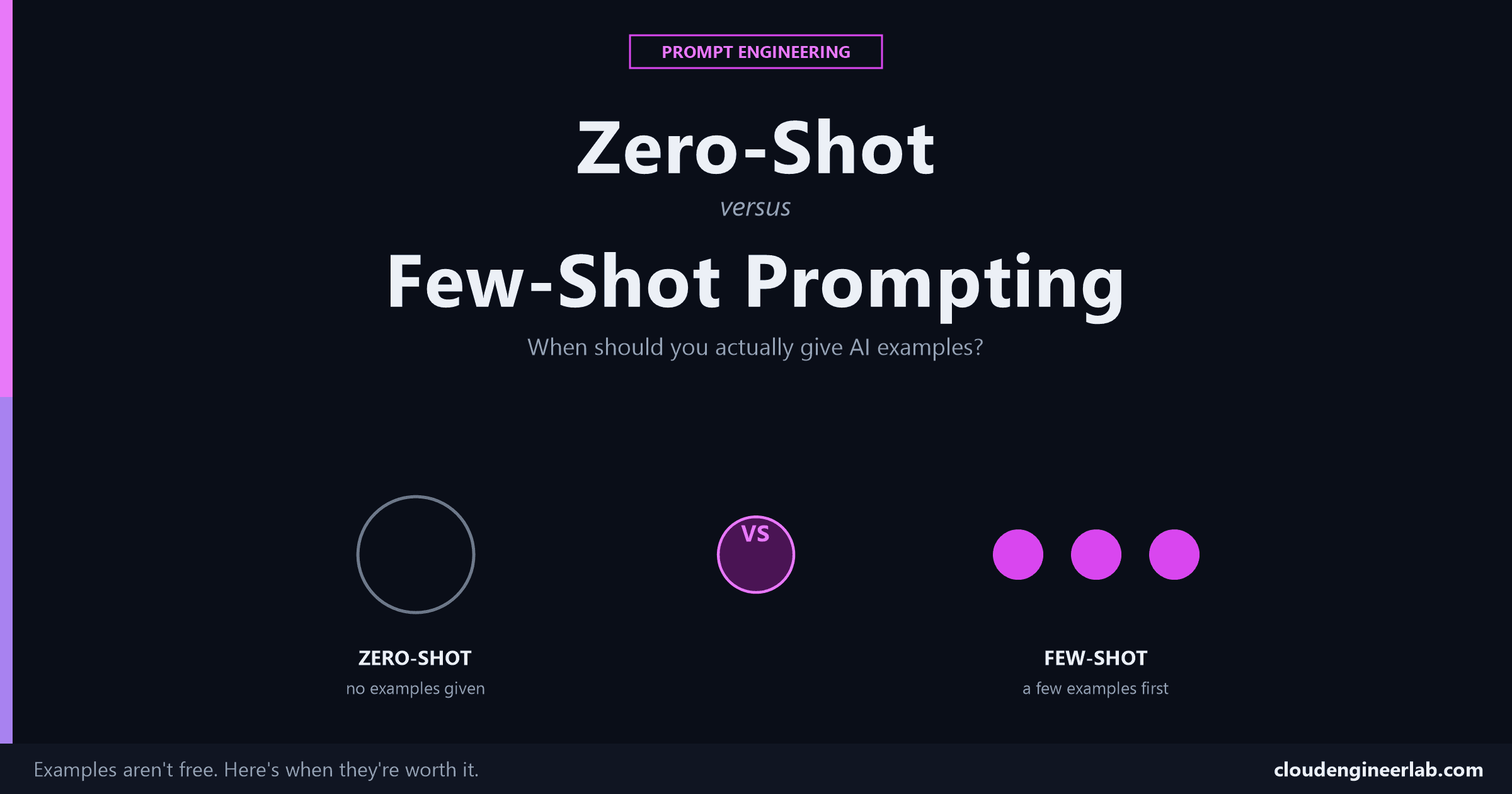
Examples aren't free, they cost tokens and effort to write. Here's the actual decision behind when that cost is worth it, and when it just adds noise.

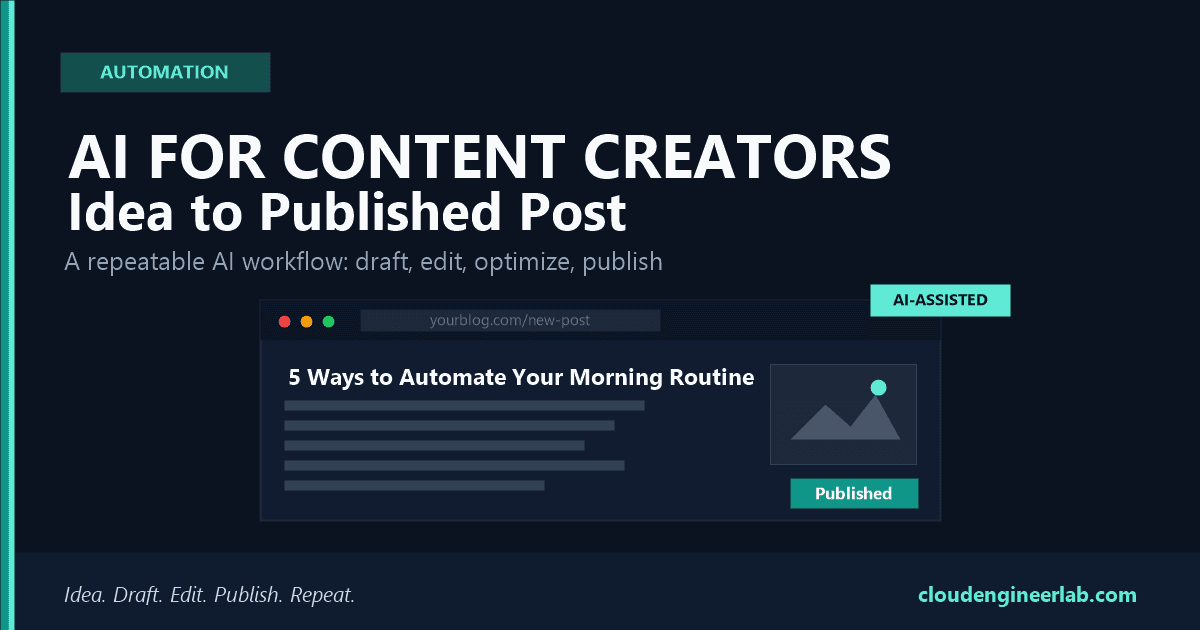
A stage-by-stage AI workflow for content creators, from brainstorming to drafting, editing, SEO, visuals, and promotion, with real prompts to reuse.

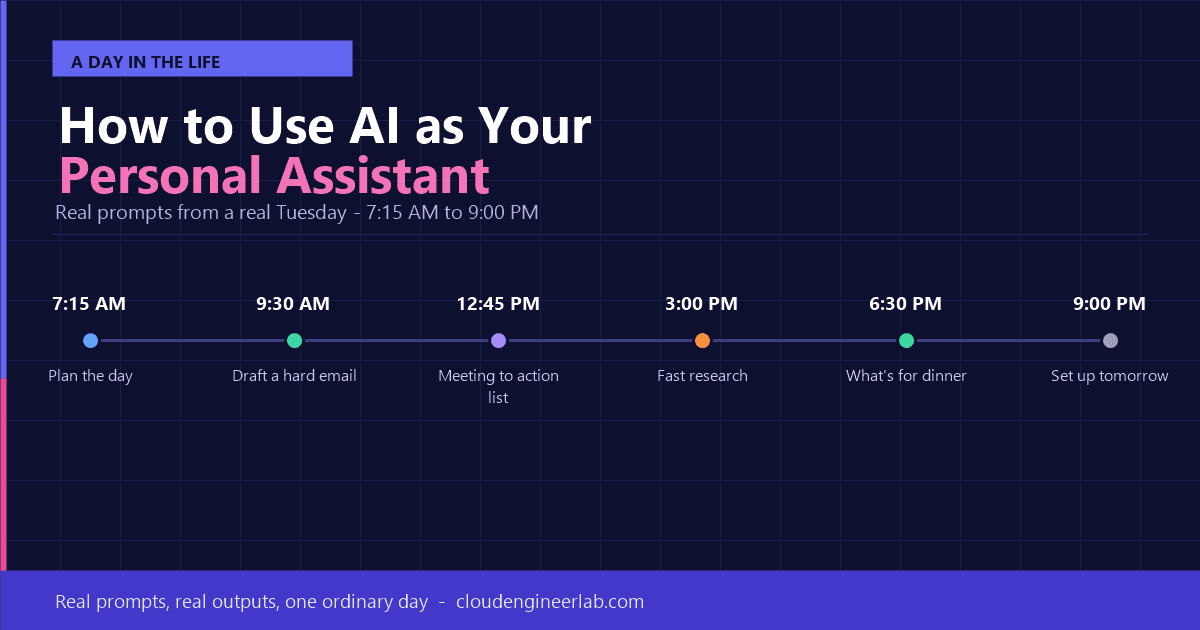
Forget the theory. Here's what using AI as a real personal assistant actually looks like, hour by hour, with the exact prompts one person used through a normal day.
From image creation to code development, video to web design, discover the top AI tools available today, why you should learn them, and how to get started completely free.
AI tools can get expensive fast if you are not careful. This practical guide shows IT admins and teams how to use fewer tokens, choose the right model for each task, set hard spend caps, and manage licences, so you get maximum value from every penny you spend on AI.
Should you run AI on your own computer or use cloud services like ChatGPT? This complete guide explains online and offline AI models in plain language, covering privacy, cost, hardware, real-world use cases, and a practical guide to running AI locally for the first time.
Stop writing AI prompts from scratch every time. These 10 ready-to-use prompts cover the most common IT admin tasks: from writing PowerShell scripts and troubleshooting Azure errors to drafting incident reports and explaining policies to non-technical stakeholders.
Three major AI tools, one IT admin, and months of real testing. This is an honest comparison of ChatGPT, Google Gemini, and Microsoft Copilot for the tasks IT professionals actually do: scripting, troubleshooting, documentation, and more.
Most people ask ChatGPT to write PowerShell the wrong way and get generic, untested code. This guide shows the exact prompt structure I use to get production-quality scripts first time, including the four elements that make the difference.
A system prompt is the single biggest upgrade you can make to your AI setup. It tells the AI who it is, how to behave, and what to focus on, before you even ask a question. Here is how to write one that transforms your results.

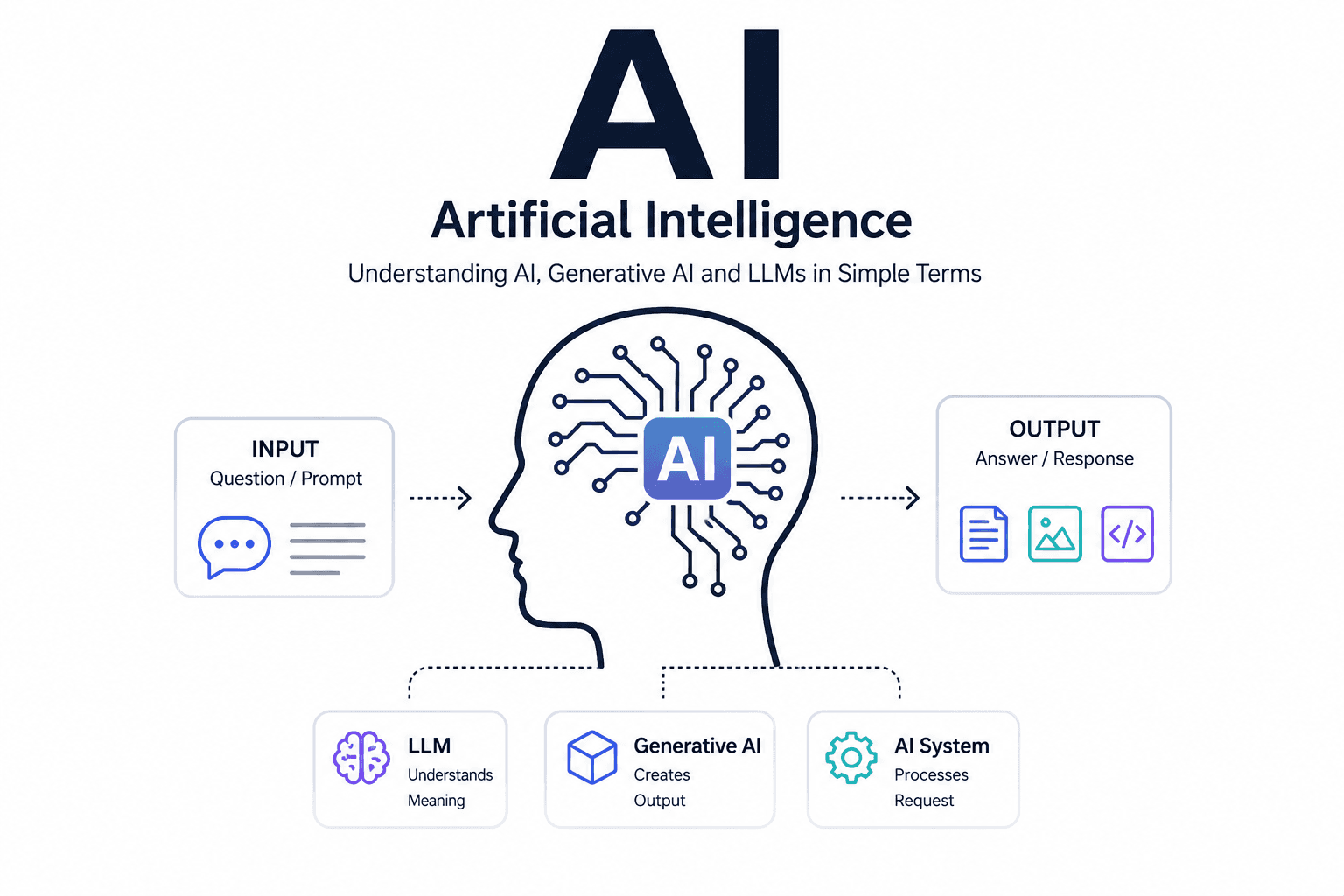
Never studied computers? No problem. This guide explains Artificial Intelligence, Generative AI, and ChatGPT in plain everyday language, with real-life examples anyone can understand, and a clear step-by-step path to start learning AI from scratch.