
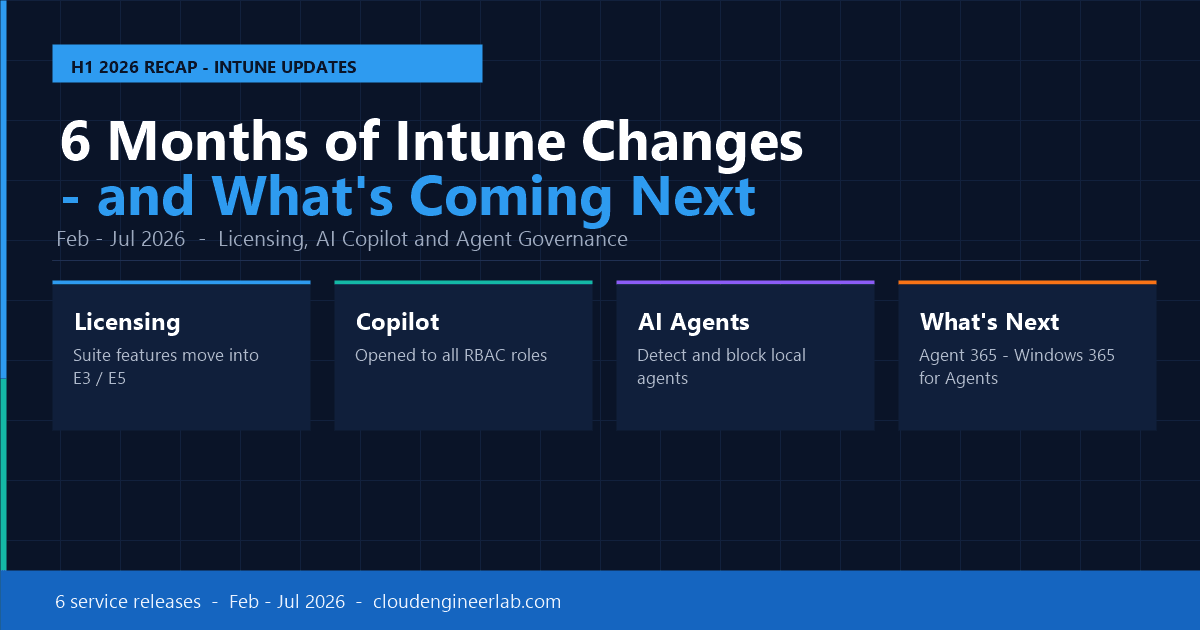
Microsoft Intune in 2026: 6 Months of Major Changes and What's Coming Next
From the February to July 2026 service releases, Intune changed faster than ever: licensing, AI agents, and security. Here's what happened and what's next.
If you manage endpoints with Microsoft Intune, the last six months have been unusually busy. Between the February 2026 (2602) and July 2026 service releases, Microsoft reshaped how Intune is licensed, how AI shows up in the admin experience, and how the platform starts treating a completely new kind of endpoint: the AI agent.
This post rounds up the major changes month by month, then looks ahead at where Intune is heading through the rest of 2026 and into 2027.
The Last 6 Months at a Glance
February 2026 (Service Release 2602)
The year started with quieter, foundational changes:
| Change | What It Means |
|---|---|
| Lenovo Device Orchestration (LDO) integration | Manage supported Lenovo hardware directly from the Intune admin centre, no separate console |
| EPM elevation policies on AVD single-session VMs | Endpoint Privilege Management now extends to Azure Virtual Desktop |
| Multi-admin approval expanded | Now covers settings catalog configuration policies and compliance policies, not just app deployment |
| Legacy Apple MDM software update policies retired | Forces migration to the newer declarative update policy model |
| Guided scenarios removed | Microsoft continues simplifying the admin centre navigation |
Why This Matters
February's changes look small individually, but they set up two themes that dominate the rest of the year: multi-admin governance (fewer single points of failure for risky changes) and retiring legacy policy models in favour of newer, declarative ones.
March 2026 (Service Release 2603)
March brought real quality-of-life wins for Apple and Windows admins:
Apple Declarative Device Management (DDM) for required apps
Required line-of-business apps on iOS/iPadOS 18+ can now be deployed through Apple's DDM model instead of legacy MDM commands. Switching happens in App Information settings and delivers real-time app status and faster rollout.
Teams-grade check-in notifications
Windows device check-ins now use the same notification delivery technology as Microsoft Teams: fewer missed check-ins, better troubleshooting visibility, and faster remote support session starts.
macOS Recovery Lock
IT admins can now set a recovery OS password via MDM, blocking users from booting into macOS Recovery Mode to bypass security controls.
Apple Admins: Prioritise DDM
If you manage required LOB apps on iOS/iPadOS, migrating to DDM is worth doing early. It is the direction Apple and Microsoft are both pushing toward, and legacy MDM app deployment paths are steadily being deprecated.
April 2026 (Service Release 2604)
April was about expanding what counts as a "managed device":
| Change | Details |
|---|---|
| Android XR device management | Intune can now enroll and manage Android XR headsets via Android Enterprise dedicated and fully managed modes |
| Enhanced TeamViewer integration | Deeper native integration for organisations still running TeamViewer alongside Remote Help |
| Compliance policy reporting clarified | Updated Microsoft Learn documentation explains exactly how compliance results surface in Intune reports, reducing a common source of admin confusion |
This is the same month Microsoft's specialty device story (AR/VR, industrial handhelds) started widening, a trend that fully lands with the July Intune Suite changes covered below.
May 2026 (Service Release 2605)
May is where Copilot in Intune stopped being a preview curiosity and started reaching real admin workflows:
| Change | What It Unlocks |
|---|---|
| Copilot in Intune for all RBAC roles | Every role-based access control role, not just Global Admin, can now use Copilot's natural-language query and policy assistance |
| Enhanced app inventory | Faster, more detailed visibility into installed apps, making it easier to spot outdated or risky software across the fleet |
| Platform SSO during macOS Automated Device Enrollment | Complete Platform SSO registration as part of the enrollment flow itself, instead of as a follow-up step |
| Remote Help performance improvements (Windows) | Faster session starts and more reliable connections |
Copilot Access Is Now About Role, Not Rank
Before May, Copilot in Intune access tracked closely with high-privilege admin roles. Opening it to all RBAC roles means helpdesk-tier and read-only admins can now ask Copilot to explain a policy, summarise a device's compliance state, or draft a KQL query, without needing elevated permissions first.
June 2026 (Service Release 2606): The Security-Heavy Release
June was dense. This is the release where security posture, AI governance, and app lifecycle management all moved forward at once:
| Category | Change |
|---|---|
| Compliance | New STIG audit baseline for hardened security configurations |
| Android | New "block Bluetooth sharing" setting in the Android Enterprise settings catalog |
| App delivery | HTTPS becomes mandatory for managed Win32 app delivery |
| Automation | MAA (Microsoft Authentication Application) enforcement extended to automation scenarios |
| App management | Enterprise Application Management (EAM) auto-updates reach General Availability |
| Security | Vulnerability Remediation Agent enters public preview |
| EPM | Endpoint Privilege Management gains support for shared devices and network configuration scenarios |
| Apple | Automated Device Enrollment gets a redesigned policy experience |
| AI governance | Intune can now detect and block local AI agents (e.g., unmanaged agents like OpenClaw) running on enrolled Windows devices |
The AI Agent Detection Feature Is a Signal, Not a Footnote
The local AI agent detect-and-block capability introduced in June is easy to skim past, but it is arguably the most forward-looking change of the six months. It is the first time Intune explicitly treats "an AI agent running on an endpoint" as something IT needs visibility and control over, a category that barely existed in policy terms a year earlier. It is also the seed of the Agent 365 and Windows 365 for Agents story covered below.
July 2026: The Big Licensing Shift
July is the release most admins will remember from this stretch. Starting July 1, 2026 (rolling out through August 1, 2026), Microsoft folded a large chunk of the paid Intune Suite directly into base Microsoft 365 licensing:
| Plan | Newly Included (No Extra Cost) |
|---|---|
| M365 E3 / EMS E3 | Remote Help, Advanced Analytics, Intune Plan 2 (Tunnel for MAM, specialty device management, OTA firmware for Zebra and others) |
| M365 E5 / EMS E5 | Everything above, plus Microsoft Security Copilot in Intune, Endpoint Privilege Management, Enterprise Application Management, and Cloud PKI |
Alongside this, Microsoft raised list prices on most M365 plans effective July 1, 2026 to reflect the added value, and RHEL 8 LTS support inside Intune ends the same month.
Full Breakdown Available
I covered the July licensing change feature-by-feature, including Remote Help, Advanced Analytics, Tunnel for MAM, and specialty device management, in a dedicated post: Microsoft Intune Suite Now Included in M365 E3 & E5. If you only read one link from this post, make it that one before your next licensing renewal conversation.
The E5 addition is the bigger story for security teams: Cloud PKI and Security Copilot in Intune, previously locked behind the full Suite add-on, are now standard E5 entitlements. That is a meaningful jump for organisations that avoided Cloud PKI purely on cost grounds.
Six Months, Summarised
| Theme | What Changed |
|---|---|
| Licensing | Intune Suite capabilities (Remote Help, Advanced Analytics, Plan 2, and on E5: Security Copilot, EPM, EAM, Cloud PKI) moved into base M365 E3/E5 |
| AI in the admin experience | Copilot in Intune opened to all RBAC roles; Vulnerability Remediation Agent entered preview |
| AI agent governance | Intune gained the ability to detect and block unmanaged local AI agents on Windows devices |
| Device scope | Android XR, Lenovo hardware, and specialty devices (AR/VR, rugged handhelds) all gained native management |
| Security posture | New STIG baseline, HTTPS-only Win32 delivery, expanded EPM coverage, macOS Recovery Lock |
| Admin governance | Multi-admin approval widened to more policy types; guided scenarios and legacy Apple policies retired |
What's Coming Next
Security Copilot Agents Move From Chat to Action
Through 2026, Security Copilot in Intune has been expanding beyond its original Explorer pane (ask questions, get KQL queries, generate reports) toward agentic capability: natural-language policy changes, posture checks, and auto-remediation that a security team approves rather than builds by hand. Expect this to keep maturing through the rest of the year, with Security Copilot access extending across the full M365 E5 and E7 base rather than requiring a separate add-on.
Microsoft Agent 365 and the Rise of the "AI Agent as Endpoint"
Microsoft Agent 365 reached General Availability in May 2026, extending management to AI agents running locally on Windows devices, not just cloud-based agents. In this model:
- Microsoft Defender supplies the inventory and signal layer, surfacing which AI agents exist on a device
- Microsoft Intune handles policy distribution and enforcement, the same block/allow mechanics used for apps today
This is the direct continuation of June's local AI agent detection feature. Expect Intune's role in this space to keep growing: agent allow-lists, agent-specific compliance policies, and reporting that treats "agents installed" as its own inventory category alongside apps and devices.
Windows 365 for Agents
Microsoft has also introduced Windows 365 for Agents: dedicated, secured Cloud PCs built specifically for AI agent workloads rather than human users. Every Windows 365 for Agents Cloud PC is Entra-joined and Intune-enrolled, meaning the same compliance policies, Conditional Access, and endpoint security posture your organisation applies to employee devices extends to autonomous agents by default.
The Bigger Trend: Agentic Governance
Zoom out across all six months and one pattern is consistent: Microsoft is steadily converging identity (Entra), device management (Intune), security (Defender), and data governance (Purview) into a single control plane, and extending that control plane to cover AI agents as first-class managed entities, not just human-operated devices. Expect 2027 roadmap items to lean further into this: richer agent lifecycle management, agent-specific Conditional Access conditions, and Copilot-driven auto-remediation becoming a default rather than a preview feature.
What IT Teams Should Do Now
Step 1: Audit your current Intune Suite / Plan 2 spend
If your organisation pays separately for Remote Help, Advanced Analytics, Tunnel for MAM, or (on E5) Security Copilot, EPM, EAM, or Cloud PKI, confirm with your licensing partner whether the July 2026 change lets you drop the add-on at renewal.
Step 2: Open Copilot in Intune to more of your team
Since May 2026, Copilot access is no longer tied to high-privilege roles. Let helpdesk and read-only admins start using it for policy explanations and report generation, a low-risk, immediate productivity gain.
Step 3: Check your Windows fleet for unmanaged local AI agents
Review Defender's AI agent inventory signal and decide on a block/allow policy in Intune before shadow-IT AI tools become a bigger problem than shadow-IT browser extensions ever were.
Step 4: Pilot the STIG baseline and HTTPS-only Win32 delivery
If you run regulated or public-sector workloads, test the new June 2026 STIG audit baseline now, and confirm your internal app packaging pipeline serves Win32 apps over HTTPS before enforcement tightens further.
Step 5: Watch the Agent 365 / Windows 365 for Agents space
Even if you have no immediate AI agent use case, start reading the release notes for Agent 365 and Windows 365 for Agents. This is the direction endpoint management is heading, and early familiarity will pay off when your organisation's first agent workload lands on your desk.
Summary
Six months, six service releases, and a genuine shift in what Intune considers an "endpoint." Licensing got simpler and cheaper for a lot of organisations in July. AI got more embedded in the day-to-day admin experience through Copilot's RBAC expansion in May. And most notably, Intune started building the plumbing to manage AI agents themselves, first by detecting and blocking them in June, then by extending full management to them via Agent 365 and Windows 365 for Agents.
If you only take one thing from this recap: the "device" Intune manages in 2027 will not just be a laptop or a phone. Plan your policies, your RBAC model, and your licensing conversations with that in mind.
Which of these changes has affected your environment the most, the licensing shift, or the AI agent governance features? Drop a comment below.

Written by
Chetan Yamger
Cloud Engineer · AI Automation Architect · Modern Workplace Consultant
Cloud Engineer, AI Automation Architect, and Modern Workplace Consultant based in Amsterdam, Netherlands. Specializing in scalable, secure enterprise solutions with Microsoft Azure, Intune, PowerShell, and AI-driven automation using ChatGPT, Gemini, and modern LLM technologies.
Stay in the loop.
New articles, straight to you.
Deep-dive technical articles on Intune, PowerShell, and AI — no noise, no spam.
Discussion
Share your thoughts — your email stays private
Leave a comment