
Microsoft 365 Administration Without the Portal: PowerShell + Graph Automation
Manual admin work doesn't just cost time, it's unrepeatable by design. Here's what actually changes when you move it to PowerShell and Graph, honestly, gaps included.
Every Microsoft 365 admin has done this: onboard a new hire by clicking through user creation, license assignment, group membership, and mailbox permissions, one screen at a time, then done it again for the next hire, and the one after that. It works. It also doesn't scale, doesn't leave behind anything you could hand to someone else to repeat exactly, and gets slower, not faster, as the tenant grows.
Here's the actual comparison, and then the honest version of what PowerShell and Graph do and don't fully replace yet.
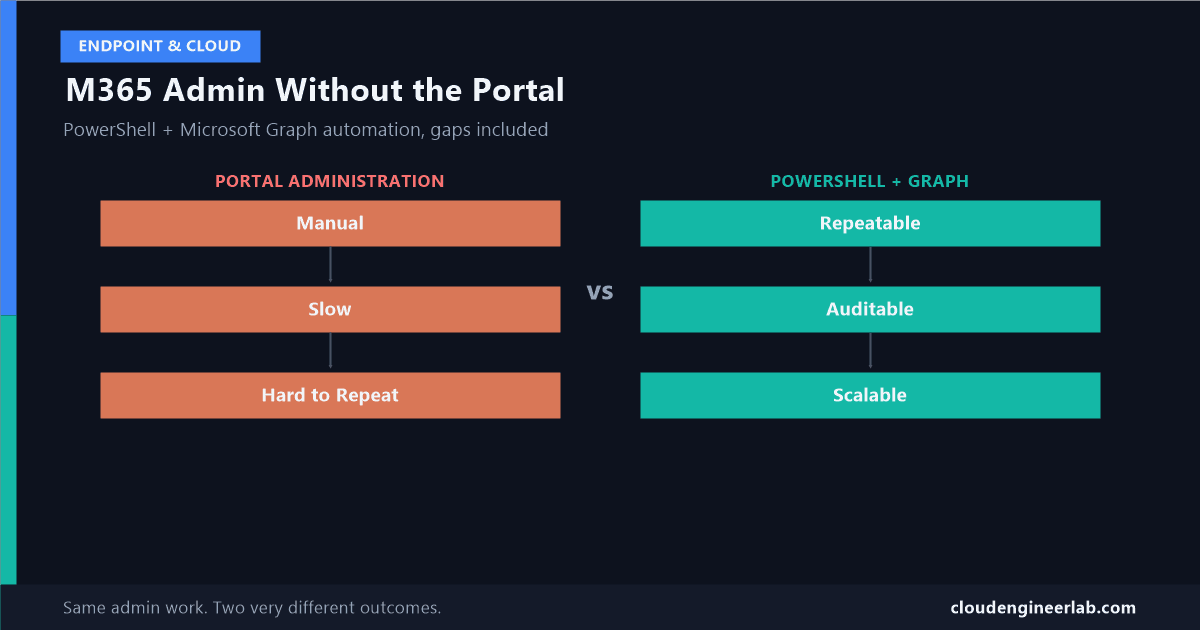
Portal Administration          PowerShell + Microsoft Graph
        ↓                                ↓
     Manual                        Repeatable
        ↓                                ↓
      Slow                          Auditable
        ↓                                ↓
  Hard to Repeat                     Scalable
Manual Becomes Slow, Predictably
Forty new hires means forty trips through the same five or six portal screens. There's no shortcut in the UI for "do this again, but for these 39 other people," because the portal is built around one admin looking at one object at a time. The time cost isn't linear either, context-switching between the user's identity page, the licensing page, and the groups page, forty separate times, costs more than forty times the work of doing it once.
Manual Is Hard to Repeat, on Purpose
This is the less obvious cost. Six months from now, when someone asks "how exactly did we configure onboarding for the finance team," a portal-based process has no answer beyond someone's memory of which boxes they checked. A script is the documentation. It doesn't just do the work, it's a complete, reviewable record of exactly what happened, sitting in source control where someone else can read it, question it, and run it identically next time.
Repeatable: The Same Script, Every Time
Connect-MgGraph -Scopes "User.ReadWrite.All"

$NewHires = Import-Csv -Path "NewHires.csv"

foreach ($Hire in $NewHires) {
    New-MgUser -DisplayName $Hire.DisplayName `
        -UserPrincipalName $Hire.UPN `
        -MailNickname $Hire.MailNickname `
        -AccountEnabled `
        -UsageLocation $Hire.Country `
        -PasswordProfile @{ Password = $Hire.TempPassword; ForceChangePasswordNextSignIn = $true }
}
UsageLocation has to be set before licensing, not after
Licenses can't be assigned to a user without a UsageLocation set, Microsoft needs to know which country's service availability rules apply. This is one of the most common bulk-onboarding scripts that fails midway through, on user 23 instead of user 1, because a few rows in the source CSV were missing that field.
Scalable: The Loop Doesn't Care How Big the List Is
$Sku = Get-MgSubscribedSku -All | Where-Object { $_.SkuPartNumber -eq "SPE_E5" }

foreach ($Hire in $NewHires) {
    Set-MgUserLicense -UserId $Hire.UPN `
        -AddLicenses @{ SkuId = $Sku.SkuId } `
        -RemoveLicenses @()
}
Forty users and four thousand users run through the exact same script. This is the same Microsoft Graph PowerShell SDK, the same throttling behaviour, the same pagination and retry concerns I've covered building a reusable automation framework for Intune specifically, none of that changes just because the objects here are users and licenses instead of devices and apps. If you've already built that framework's retry and logging helpers, they work here unmodified.
Auditable: Real, But Not for the Reason People Assume
Here's the nuance worth getting right: portal actions are already logged. Auditability isn't "a script gets logged and a portal click doesn't." Both do. The actual advantage is different and better: a script is reviewable before it runs, not just recorded after the fact. A pull request on an onboarding script catches a mistake before it touches 40 real user accounts. A portal click that assigns the wrong license is only caught after someone notices.
Microsoft Graph's Audit Log Query capability now lets you pull that after-the-fact trail through the same automation stack, rather than clicking through the compliance portal's paginated results 150 records at a time:
Get-MgAuditLogDirectoryAudit -Filter "activityDisplayName eq 'Add user'" -Top 50Don't treat the audit log query API and the compliance portal as always in agreement
There's a documented, real discrepancy: record counts returned by the Graph audit log query API and the number the Purview compliance portal reports for the same search don't always match. If you're building compliance reporting on top of this, don't assume the two are interchangeable sources of truth, verify against whichever one your compliance team actually treats as authoritative.
The Honest Gap: Graph Doesn't Cover Everything Yet
This is the part most "PowerShell replaces the portal" articles skip, and it matters for setting expectations correctly. As of 2026, several genuinely important Exchange Online admin surfaces are not available through Microsoft Graph, in GA or beta: transport rules, retention policies, mailbox creation itself, organisation-level configuration, and audit policy settings. These still require the dedicated Exchange Online Management PowerShell module, not Graph calls.
Microsoft is closing this gap, slowly
A new Exchange Admin API has entered public preview specifically to address this, but Microsoft hasn't committed to a date for full parity with what Exchange Web Services and Exchange Online PowerShell can already do. For now, treat "PowerShell + Graph" as shorthand for a toolkit, the Microsoft Graph PowerShell SDK for identity, licensing, groups, and Teams, alongside the Exchange Online Management module for the Exchange-specific settings Graph still can't touch, and PnP.PowerShell for the deeper SharePoint site configuration that similarly isn't fully exposed through Graph.
This isn't a knock against automating M365 administration. It's the difference between "I'll write one script that does everything" and "I'll write a script that calls the right tool for each specific task," which is the actually accurate mental model.
A Real Worked Example: Onboarding, End to End
Create the user and assign the license, via Graph
New-MgUser and Set-MgUserLicense, exactly as shown above.
Add them to the right groups, via Graph
New-MgGroupMemberByRef, targeting whichever security or Microsoft 365 groups drive their app access and distribution list membership.
Delegate mailbox permissions, via Exchange Online PowerShell, not Graph
Connect-ExchangeOnline
Add-MailboxPermission -Identity $Hire.UPN -User "Manager@company.com" -AccessRights FullAccess
This step genuinely cannot be done through Microsoft Graph today. Pretending otherwise, or trying to force it through an unsupported workaround, wastes more time than just using the module built for it.
Three steps, two different PowerShell modules, one coherent script a new admin can read top to bottom and understand exactly what onboarding actually does, instead of reverse-engineering it from a checklist someone wrote in a wiki three years ago.
What Actually Changed
Not "the portal is bad." The portal is genuinely the right tool for a one-off change, an investigation, or anything a single admin needs to eyeball once. What changes with PowerShell and Graph is anything done more than once: it stops being a task someone has to remember how to do correctly, and becomes something the organisation owns, reviewable, repeatable, and honest about which parts still need a second tool alongside it.
Where has the Graph/Exchange split actually tripped you up in your own automation? For most people I've talked to, it's mailbox permissions, assumed to be a Graph call, discovered mid-project to need Exchange Online PowerShell instead. Drop a comment below.

Written by
Chetan Yamger
Cloud Engineer · AI Automation Architect · Modern Workplace Consultant
Cloud Engineer, AI Automation Architect, and Modern Workplace Consultant based in Amsterdam, Netherlands. Specializing in scalable, secure enterprise solutions with Microsoft Azure, Intune, PowerShell, and AI-driven automation using ChatGPT, Gemini, and modern LLM technologies.
Stay in the loop.
New articles, straight to you.
Deep-dive technical articles on Intune, PowerShell, and AI — no noise, no spam.
Discussion
Share your thoughts — your email stays private
Leave a comment