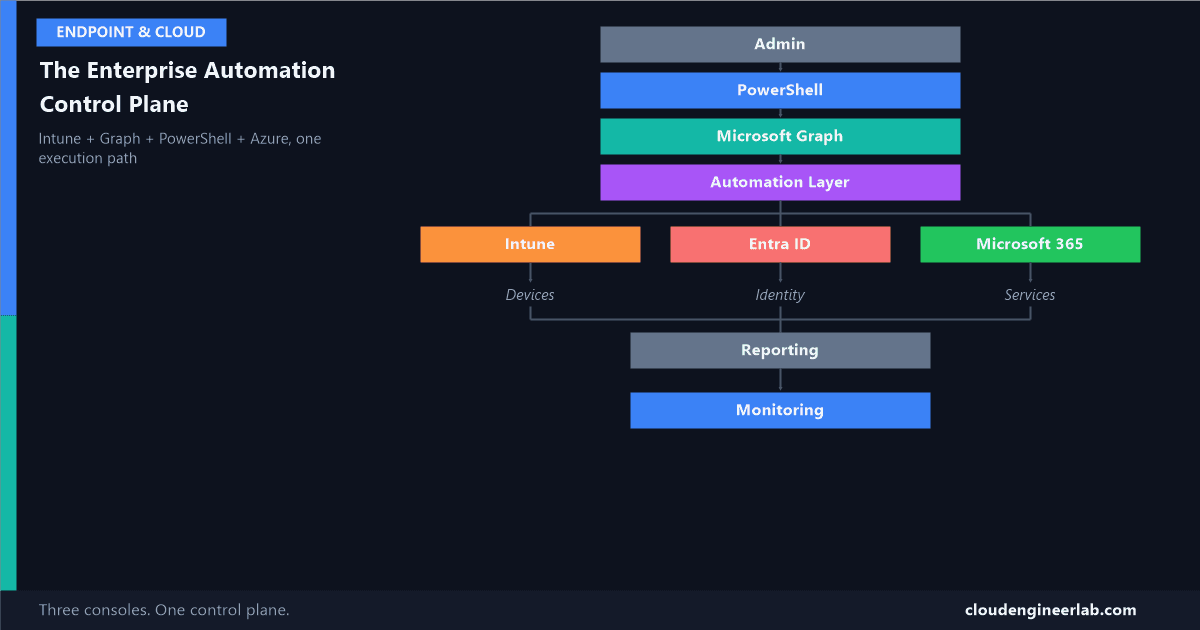
The Enterprise Automation Control Plane: Intune + Graph + PowerShell + Azure
Most tenants run three separate admin experiences, Intune, Entra ID, M365, with three mental models and three audit trails. Here's what replaces all three with one.
10 posts

Most tenants run three separate admin experiences, Intune, Entra ID, M365, with three mental models and three audit trails. Here's what replaces all three with one.

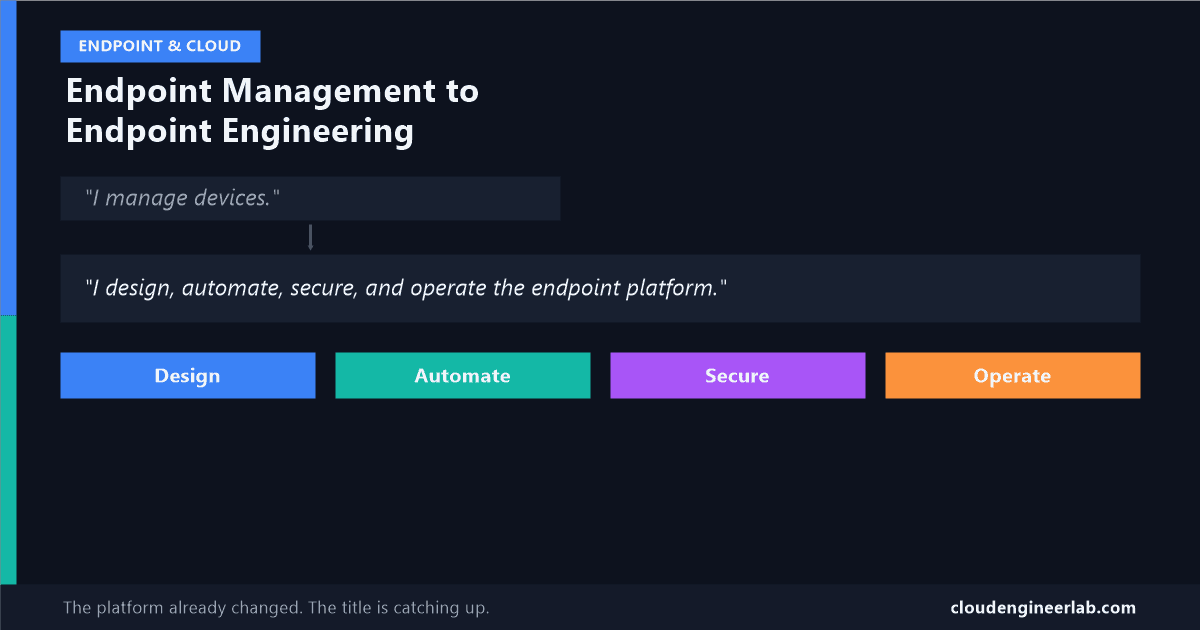
The routine parts of endpoint admin are being automated away, by Microsoft itself. What's left is a genuinely different job, and most job titles haven't caught up yet.

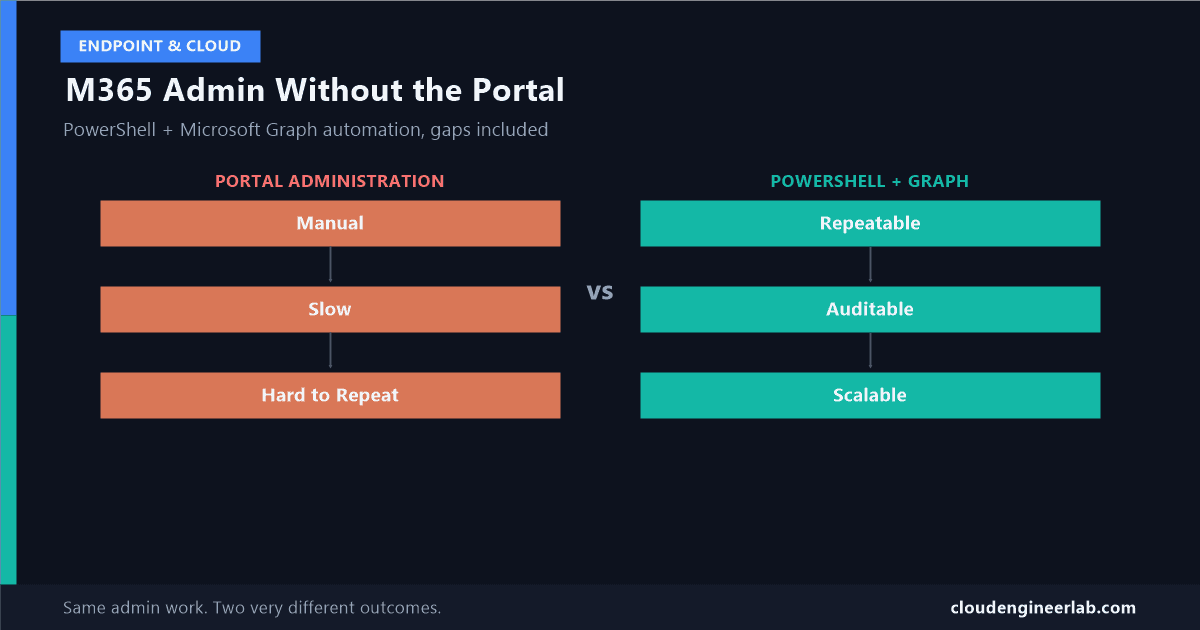
Manual admin work doesn't just cost time, it's unrepeatable by design. Here's what actually changes when you move it to PowerShell and Graph, honestly, gaps included.

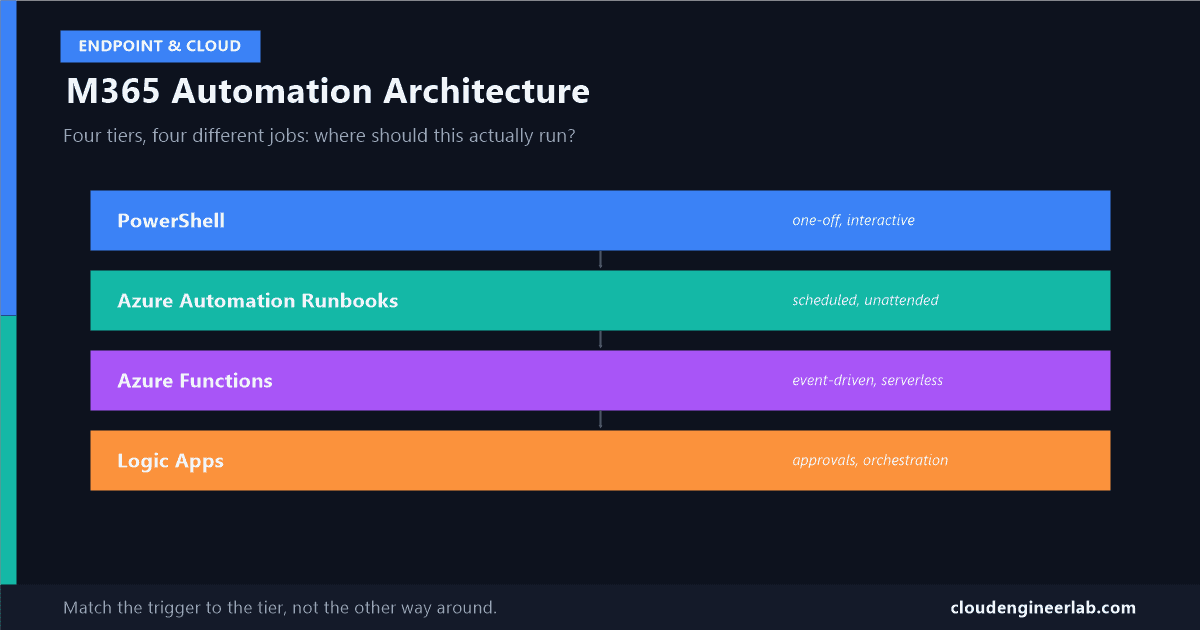
The real question isn't whether to automate M365, it's where the automation should actually run. Four options, four genuinely different jobs, easy to pick the wrong one.

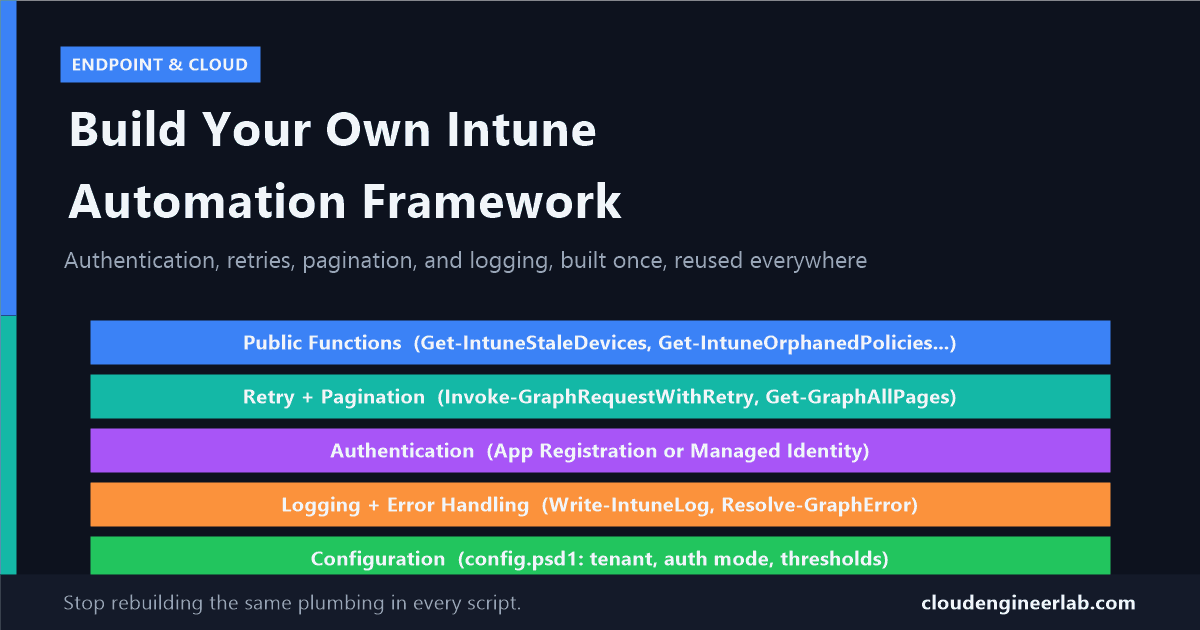
Individual scripts don't scale past the third one. Here's how to structure authentication, retries, pagination, and logging into a reusable PowerShell module.

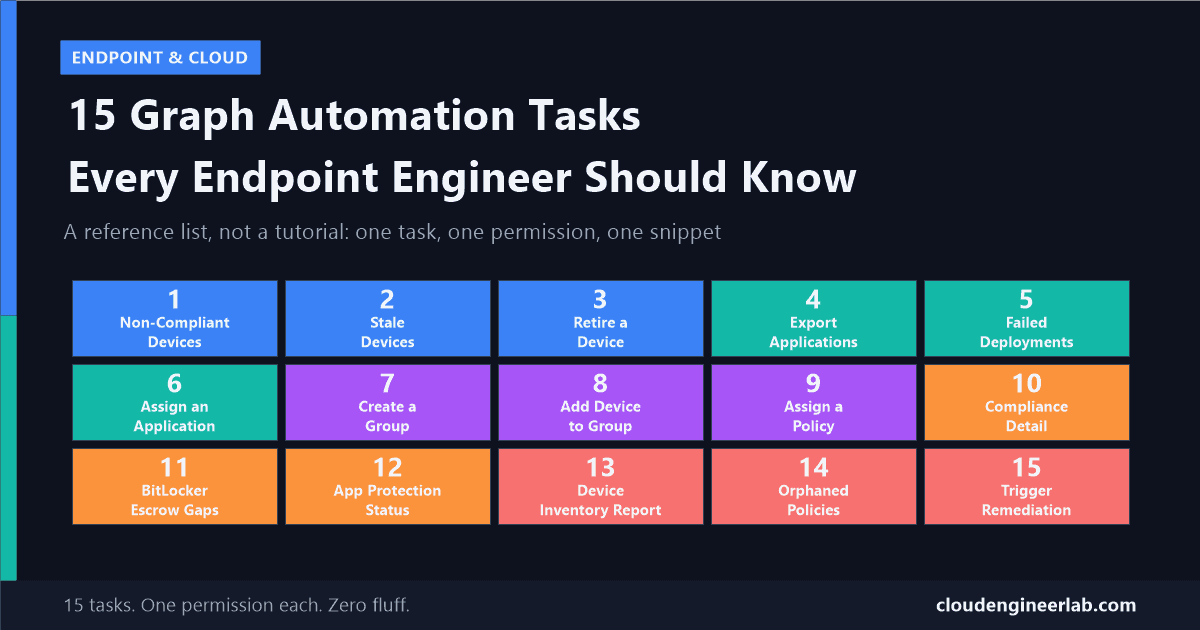
A reference list of 15 real, working Graph tasks, from finding stale devices to triggering remediation scripts, each with the exact permission and code.

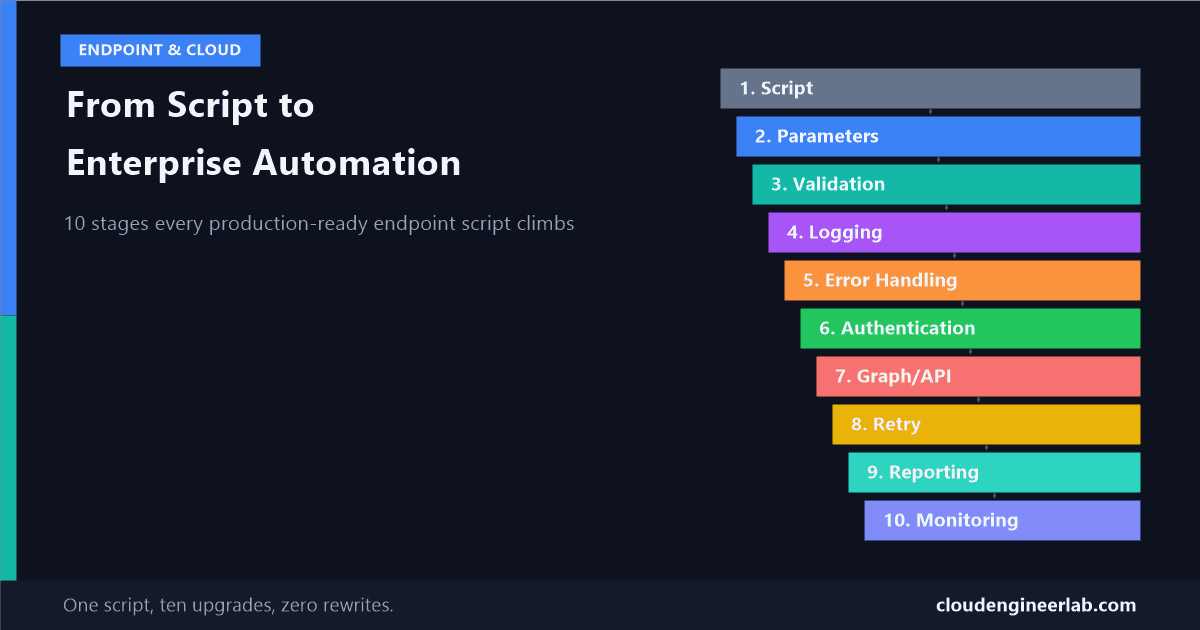
A single script evolves through 10 concrete stages, from hardcoded and fragile to authenticated, retried, reported, and monitored in production.

Real, working PowerShell and Graph examples across devices, apps, policies, compliance, and reports, not just theory about what the API can do.
Every Monday morning our team needed a full compliance report from Intune. I got tired of doing it manually, so I automated the whole thing with PowerShell and Microsoft Graph API. Here is exactly how I did it.
Most people ask ChatGPT to write PowerShell the wrong way and get generic, untested code. This guide shows the exact prompt structure I use to get production-quality scripts first time, including the four elements that make the difference.