
AI for Intune Administrators: Turn Device Data Into Actionable Insights
We gave an AI a 627-device sample with five planted problems. Raw device rows found none; letting code find the facts and the AI explain them found all five, with fixes kept behind approval.
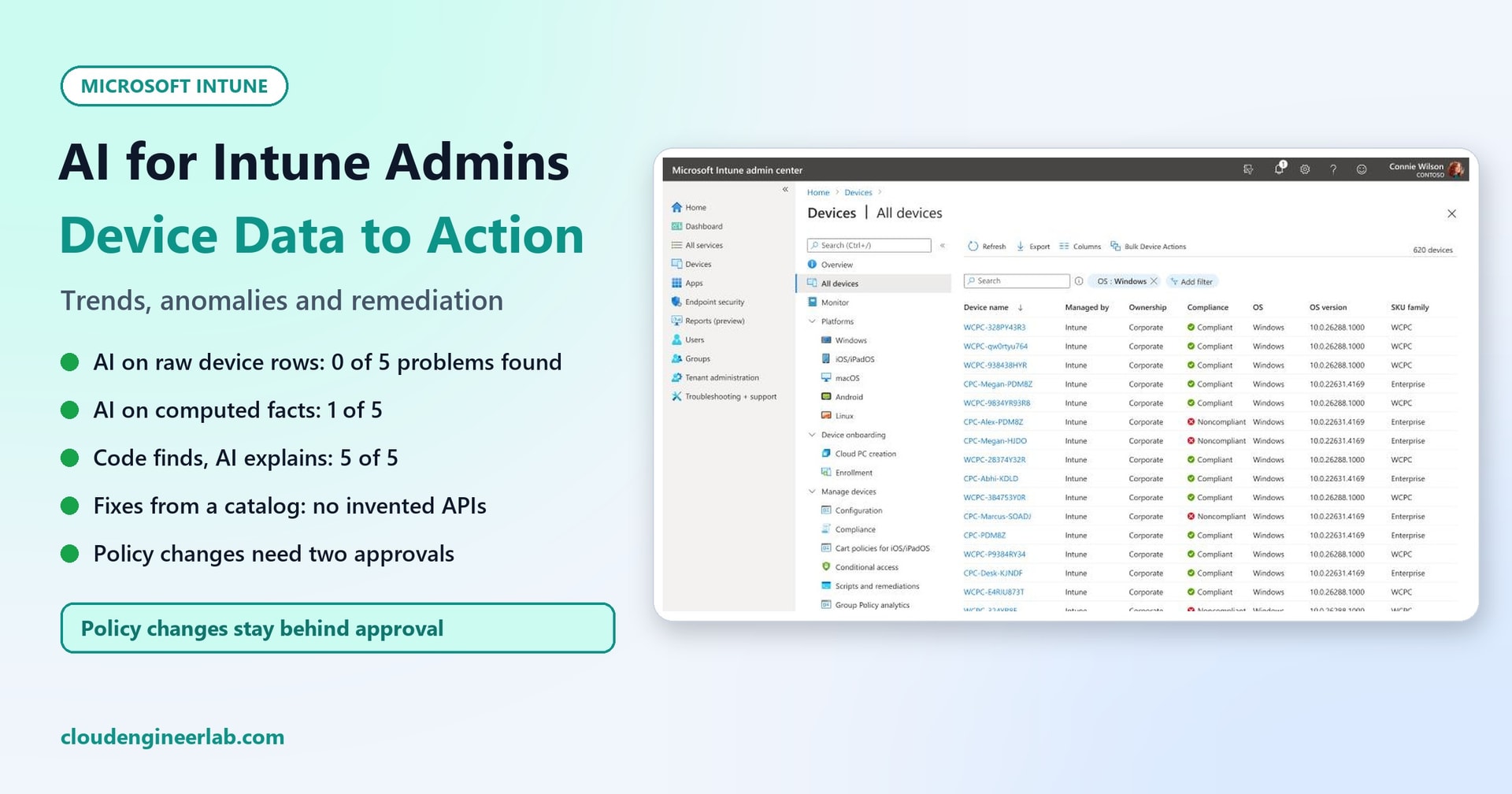
Every Intune admin knows the view on this post's cover: hundreds of devices, a column of green ticks and red crosses, and the question nobody's dashboard answers directly: what is actually going wrong, why, and what should I do about it?
It's tempting to export the device list, paste it into an AI and ask. We tried exactly that, with a sample dataset where we knew the right answers in advance. It didn't work. What did work was splitting the job: code finds the facts, the AI explains them, and every proposed change waits for a person. This post shows both, with the numbers.
How we tested
-
The dataset: a sample of 627 Windows devices for a fictional company, Contoso, shaped like Microsoft Graph
managedDevicerecords (name, user, model, OS build, update ring, last sync, BitLocker, real-time protection, firewall, password policy, compliance state), plus 30 days of daily compliance counts. -
Five planted problems, so we could measure what each approach finds:
# Planted problem P1 BitLocker failing on many Contoso Book 14 laptops from day 18 (as if a firmware update had reset the TPM) P2 41 devices stuck on Windows 11 23H2 build 22631.4169, below the minimum OS version P3 17 devices that haven't synced for over 30 days but still show as compliant P4 One user who enrolled 7 devices in a few days P5 Real-time protection off on 9 build agents named ENG-BLD-* -
The model: Qwen2.5-Coder-7B-Instruct, running locally at temperature 0. It's licensed Apache-2.0, so it's usable commercially (see the model supply chain post).
-
Privacy: user names were replaced with pseudonyms before the AI saw anything.
No real tenant was touched, and no Graph request was ever sent.
First, Get the Data Read-Only
In a real tenant, this data comes from Microsoft Graph. The device list is GET /deviceManagement/managedDevices; per-setting compliance and the Intune reports export API add detail. Two rules from the start:
- The analysis identity can only read. Give the app that collects data read-only device management permissions, such as
DeviceManagementManagedDevices.Read.All. Any change goes through a different identity, after approval (see the approval gate below). The Graph automation tasks post shows the collection side. - Pseudonymise people before the AI sees them. The AI doesn't need real names to spot that one account enrolled seven devices:
def pseudonym(upn):
    return "user-" + hashlib.sha256(("contoso-salt:" + upn).encode()).hexdigest()[:6]
In production, keep the salt secret and outside the code, so pseudonyms can't be reversed by guessing user names. Your team can still map a pseudonym back when it needs to act.
Attempt 1: Paste the Device Rows Into the AI
We gave the model as many device rows as fit in its context window: 140 of the 627 devices, plus the 30 daily compliance counts, about 9,900 tokens. We asked for a summary, the anomalies, and remediation steps. We repeated it with three different random samples.
Result: 0 of 5 planted problems found, in all three runs. Worse, the answers were confidently wrong:
- It got the trend wrong. Two runs said non-compliance was falling ("The overall trend shows a decrease in noncompliance"); the third said it had "fluctuated" with a peak on "the 15th day". In fact it more than doubled, from 56 to 125, with the jump on day 18.
- It mixed up the sample with the fleet. Two runs wrote "140 noncompliant devices out of 627". 140 was the number of rows it was shown; the real count was 123.
- One run invented a statistic: "The compliance rate is currently at 78.3%". That number appears nowhere in the data.
- It highlighted random single devices with a few failed settings, while missing the 73 failing laptops of one model.
- It invented Graph endpoints, such as
deviceCompliancePolicyAssignmentsand.../remediateNonCompliantDevices, which don't exist. To "notify users", it proposed assigning a compliance policy.
None of this is surprising once you think about it. A language model reading rows of CSV isn't counting, grouping or comparing rates; it's guessing from what it happens to notice. And a fleet of thousands of devices doesn't fit in the context window anyway.
Attempt 2: Let Code Compute the Facts
Counting, grouping and comparing is what code is for. A 73-line Python script (standard library only) computed:
- The trend, flagging any day-over-day jump much larger than normal day-to-day noise.
- Which settings are failing, among devices with recent data.
- Concentrations: any group (by model, OS build, update ring, department or device name prefix) where a failure is at least three times more common than across the fleet.
- Stale devices, analysed separately, because their compliance state is weeks old.
- Enrolment spikes: users with three or more new devices in a week.
The concentration check is the most useful part:
    # cohorts where a failure is at least 3x more common than overall (and at least 5 devices)
    out["concentrations"] = []
    checks = {**{s: (lambda r, s=s: not r[s]) for s in SETTINGS}, "osVersion below minimum": lambda r: not r["osOk"]}
    for setting, failed in checks.items():
        overall = sum(failed(r) for r in fresh) / len(fresh)
        for field in ("model", "osVersion", "updateRing", "department", "prefix"):
            groups = defaultdict(list)
            for r in fresh:
                groups[r[field]].append(r)
            for value, members in groups.items():
                n = sum(failed(r) for r in members)
                if n >= 5 and overall and n / len(members) >= 3 * overall:
                    out["concentrations"].append({"setting": setting, "field": field, "value": value, "failing": n,
                                                  "of": len(members), "rate": round(n / len(members), 2),
                                                  "overall_rate": round(overall, 3)})
It found every planted problem:
| Finding | Numbers |
|---|---|
| Trend | 56 non-compliant on day 1, 125 now, with a jump of +71 on 9 October |
| BitLocker by model | Contoso Book 14: 73 of 126 failing (58%, against 12% overall) |
| OS build | 10.0.22631.4169: 41 of 41 below the minimum |
| Real-time protection by name prefix | ENG-BLD: 9 of 9 off (against 1.5% overall) |
| Stale devices | 17 not synced for over 30 days (up to 71), all 17 still marked compliant |
| Enrolment spike | user-7a15c5: 7 devices in the last 7 days |
That isn't AI; it's ordinary analysis, and it's the part that has to be right. We wrote the data and the checks ourselves, so finding all five here proves the method works, not that every problem in a real tenant will be this clear.
Notice also that the Ring 3 update ring wasn't flagged on its own: 41 of its 219 devices were below the minimum, 2.79 times the fleet rate, just under the 3x threshold, while the OS build itself was 100%. The narrower group is the better explanation, and thresholds matter.
Attempt 3: Give the AI the Facts
Next we gave the model those facts, 668 tokens instead of 9,900, with the same open request: summarise, list anomalies, propose remediation.
It did much better on accuracy. It correctly said 123 of 627 devices were non-compliant and described the +71 jump on 9 October. But scored strictly, it covered only 1 of the 5 problems: the old OS build.
- It mentioned BitLocker failures on "specific device models" without saying which, so an admin couldn't act on it.
- It ignored the stale devices, the build agents and the enrolment spike completely, though all three were in the facts it received.
- One proposed request contained an OS build,
10.0.19041.0, that appears nowhere in the data. - It proposed fixing a minimum OS version by editing a configuration profile, which isn't where that requirement lives or how a stuck update is fixed.
We had to fix our own scorer first
Our first scoring script gave this answer 3 of 5. It counted "Contoso Book 14" because the model had put the name inside the JSON body of a proposed Graph request, not in anything an admin would read. And our pattern for "7 devices" matched inside "627 devices". We changed the scorer to read only the summary and the anomaly descriptions, with whole-word matching, and re-scored every answer. Check your evaluation's matches by hand before believing its numbers.
Attempt 4: Code Finds, AI Explains, Actions From a Catalog
The pattern behind the failures: when the AI decides what matters, it drops things. When it writes API requests, it invents them. So we took both decisions away from it:
- Code turns the facts into a numbered list of findings. The AI must explain every finding, in order: what it means in plain language, the likely cause, the risk of ignoring it, and one or two next steps.
- Next steps come from a fixed catalog. The AI picks an action ID and a target. Code builds the Graph request, and each action carries its own approval tier.
CATALOG = {   # id: (what it does, tier, method, url template)
    "report_devices":        ("Export a filtered device list for review", "auto", "GET", G + "/v1.0/deviceManagement/managedDevices"),
    "sync_devices":          ("Ask the devices to check in now", "auto", "POST", G + "/v1.0/deviceManagement/managedDevices/{id}/syncDevice"),
    "run_remediation":       ("Run an existing, approved remediation script on the devices", "approve", "POST",
                              G + "/beta/deviceManagement/managedDevices/{id}/initiateOnDemandProactiveRemediation"),
    "rotate_bitlocker_keys": ("Rotate BitLocker recovery keys on the devices", "approve", "POST",
                              G + "/beta/deviceManagement/managedDevices/{id}/rotateBitLockerKeys"),
    "change_update_ring":    ("Change an update ring's settings or deadlines", "two", "PATCH", G + "/v1.0/deviceManagement/deviceConfigurations/{id}"),
    "change_policy_assignment": ("Change which groups a compliance policy applies to", "two", "POST",
                                 G + "/v1.0/deviceManagement/deviceCompliancePolicies/{id}/assign"),
    "retire_devices":        ("Retire devices (removes company data)", "two", "POST", G + "/v1.0/deviceManagement/managedDevices/{id}/retire"),
    "investigate":           ("Open a ticket for a person to investigate; no change", "auto", None, None),
}def build_requests(answer):
"""Turn the AI's catalog choices into draft requests with their approval tier. Unknown ids are rejected."""
drafts = []
for item in answer.get("findings", []):
for a in item.get("actions", []):
entry = CATALOG.get(a.get("action"))
if not entry:
drafts.append({"finding": item.get("id"), "action": a.get("action"), "tier": "reject", "reason": "not in the catalog"})
continue
what, tier, method, url = entry
drafts.append({"finding": item.get("id"), "action": a.get("action"), "tier": tier, "method": method, "url": url,
"target": a.get("target"), "why": a.get("why")})
return draftsResult: all 5 planted problems explained, plus the trend jump, from a 508-token prompt. The explanations named the group and the numbers an admin needs:
- "BitLocker is failing on 73 out of 126 Contoso Book 14 devices (58% of these devices)."
- "Real-time protection is failing on all 9 devices with the prefix ENG-BLD (100% of these devices)."
- "17 devices have not synced for more than 30 days but are still marked compliant based on old data."
- "User user-7a15c5 enrolled 7 devices in the last 7 days."
Every proposed action was a valid catalog entry, so no endpoints were invented.
It still wasn't perfect, and the post would be dishonest if it said otherwise:
- One explanation garbled the numbers. It said non-compliance "increased by 71 from the start of the month to 125 on 2026-10-09". The +71 jump was on 9 October, and 125 is today's figure.
- The "likely causes" were generic guesses, such as "There might be a software issue or a problem with the BitLocker recovery keys". It didn't connect the 9 October jump with the Book 14 BitLocker failures, and with no firmware data it couldn't have known the planted cause.
- Some targets were too broad. For the trend jump it proposed changing a compliance policy's assignment for "All devices".
Keep Every Change Behind an Approval Gate
The twelve draft actions from Attempt 4 split like this:
| Tier | Count | Examples | What happens |
|---|---|---|---|
| Auto | 8 | Export a device list, ask devices to sync, open an investigation ticket | Runs without asking; logged |
| Approve | 2 | Run an existing remediation script on the ENG-BLD devices; rotate BitLocker keys on the Book 14 devices | A named Intune admin approves the exact request |
| Two people | 2 | Change the update ring for the 22631 devices; change a compliance policy's assignment for "All devices" | Two admins approve; normally with a change ticket |
The "All devices" assignment change landed in the two-person tier, exactly where a reviewer should reject it. That's the gate working as intended: the AI is allowed to be wrong, because nothing it proposes changes a policy until people agree.
In practice:
- Use separate identities. The analysis app can only read. The account that applies changes is separate, scoped to the actions in the catalog, and used only after approval.
- The approver sees the actual request, not the AI's summary: the method, the URL, the target devices, and the finding that triggered it.
- Re-check before applying. Device state changes; a device that was failing yesterday may be fine today.
- Log everything: the finding, the AI's explanation, the proposal, who approved it, and the result.
Human-in-the-loop AI and AI agent permissions cover how to build that gate and the identities behind it.
What the Admin Still Does
The AI turned facts into a readable briefing in seconds. The investigation is still yours:
| Finding | What a person checks next |
|---|---|
| Book 14 BitLocker failures from 9 October | What changed that day: firmware, BIOS or TPM updates, driver rollouts; the BitLocker event logs on one affected device |
| 41 devices on build 22631 | The update ring and feature update policies for those devices; safeguard holds; whether they're actually checking in |
| 17 stale devices still "compliant" | Whether they still exist; your device cleanup rules; Conditional Access treatment of stale devices (what happens when a device stops checking in) |
| 7 enrolments by one user | Whether it's legitimate (a lab, a team lead setting up kit) or a risk; your enrolment device limits |
Real-time protection off on ENG-BLD | Whether these build agents have an approved exclusion, or a policy gap; what compensating controls exist |
Checklist
- Device data comes from Graph through a read-only identity.
- Users are pseudonymised before the AI sees anything; the salt is kept secret.
- Code computes trends, failure rates, concentrations, stale devices and spikes; the AI never counts.
- The AI explains every finding code gives it; it doesn't choose which ones matter.
- Remediations come from a fixed catalog of real Graph actions; the AI never writes a URL.
- Each catalog action has a tier: auto, approve, or two-person.
- Policy, assignment and retire actions always need approval; changes run under a separate identity.
- The scoring and the planted-problem tests are re-run whenever the prompt, model or thresholds change.
For monthly trends rather than device lists, AI + Power BI: Explain IT Trends in Plain English applies the same pattern to a semantic model, with every sentence checked and linked back to the report.
The Short Version
| Approach | Planted problems found (of 5) | Prompt size | What went wrong |
|---|---|---|---|
| AI reads raw device rows | 0, in all 3 samples | about 9,900 tokens | Trend backwards, sample confused with fleet, a made-up percentage, invented Graph endpoints |
| AI reads computed facts, free-form | 1 | 668 tokens | Skipped three findings it was given; an invented OS build |
| Code finds, AI explains, actions from a catalog | 5 | 508 tokens | One garbled sentence, generic causes, one over-broad target, caught by the two-person gate |
AI is useful to an Intune admin, but not as an analyst. Let code find the facts, let the AI explain them in plain language, and let people approve anything that changes a device or a policy.

Written by
Chetan Yamger
Cloud Engineer · AI Automation Architect · Modern Workplace Consultant
Cloud Engineer, AI Automation Architect, and Modern Workplace Consultant based in Amsterdam, Netherlands. Specializing in scalable, secure enterprise solutions with Microsoft Azure, Intune, PowerShell, and AI-driven automation using ChatGPT, Gemini, and modern LLM technologies.
Stay in the loop.
New articles, straight to you.
Deep-dive technical articles on Intune, PowerShell, and AI — no noise, no spam.
Discussion
Share your thoughts — your email stays private
Leave a comment