
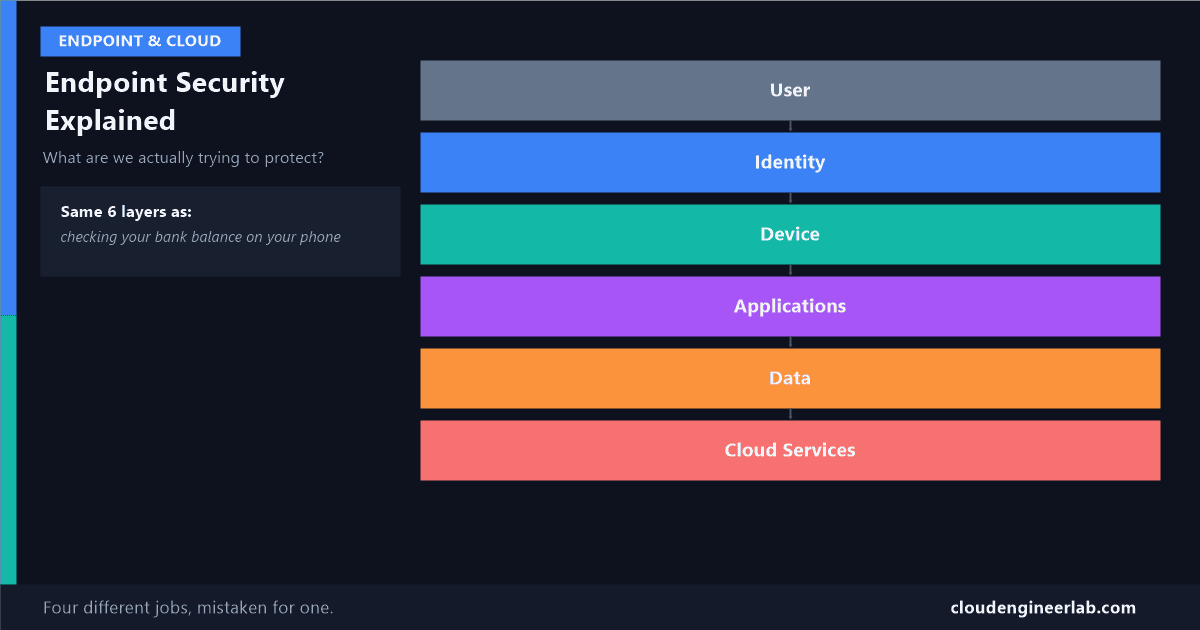
Endpoint Security Explained: What Are We Actually Trying to Protect?
"Endpoint security" sounds like one thing. It's actually four different jobs stacked on top of each other, and mixing them up is how real breaches happen.
Ask ten people what "endpoint security" means and you'll get ten slightly different answers, antivirus, passwords, a locked phone, "the IT team's job." They're not wrong, exactly. They're each describing one piece of something that's actually made of several separate, stackable layers, and the confusion between those layers is a real, common cause of real breaches: a company can do one layer perfectly and still get compromised because a completely different layer was left wide open.
This is the first post in a new series on this site about exactly that. Let's start with the whole picture.
User
 ↓
Identity
 ↓
Device
 ↓
Applications
 ↓
Data
 ↓
Cloud Services
A Story Everyone Already Knows
Before any IT terms, here's the same six layers as something you've personally done this week: checking your bank balance on your phone.
You (User)
A real person, wanting to do a real thing, check if a payment cleared.
Identity
You unlock your banking app with your face or a fingerprint. That step exists to answer one question only: is this really you, not someone else holding your phone.
Device
The phone itself. Even with the right face unlocking it, a phone with no lock screen at all, or one running software so old it's full of known holes, is a risk the identity check alone can't fix.
Applications
The banking app specifically, not the whole phone. A weakness in that one app is a different problem than a weakness in the phone's operating system.
Data
Your actual balance and transaction history, the thing all of this exists to protect in the first place.
Cloud Services
Your balance doesn't actually live on your phone. It lives on the bank's servers, somewhere you'll never see, and your phone is just a window into it.
Six layers, and notice something important: a problem at any one of them can compromise the whole thing, even when every other layer is perfect. A stolen phone with your face already trained into it. A banking app with a coding flaw. A bank server that gets breached directly, nowhere near your phone at all. Same six layers, three completely different ways for something to go wrong.
Now the Same Six Layers at Work
Identity Security: Proving You Are Who You Say You Are
This is the layer that answers "is this really them." In a company, that's Microsoft Entra ID: a password, plus a second check like a phone approval (multi-factor authentication), plus increasingly a risk score behind the scenes asking "does this sign-in look normal for this person." Identity security has nothing to do with whether the device is safe or whether the app has bugs. It only cares about one thing: confirming the person is who they claim to be.
Real example: an employee's password gets phished in a fake email. That's purely an identity problem, the device could be brand new and perfectly patched, and the attacker still gets in, because they're impersonating a valid identity, not exploiting the device at all.
Device Security: Is the Machine Itself Safe to Trust
This is Intune's job, and Microsoft Defender's alongside it: is this laptop encrypted, up to date, free of malware, configured the way the company requires. Device security doesn't care who's using the device at this exact moment, that's identity's job. It cares whether the device itself, regardless of who's holding it, is in a state worth trusting.
Real example: a laptop gets stolen from a car. The thief doesn't have the owner's password, so identity is still intact, but if the laptop's hard drive isn't encrypted, none of that matters, the data can be read directly off the drive without ever logging in at all.
Application Security: Is This Specific Piece of Software Safe
A device can be perfectly patched and still run one specific app that has a serious flaw in it. Application security is about the software itself, whether it's coded safely, whether it's kept updated, whether it only asks for the permissions it actually needs. This is a genuinely different discipline from device security: a phone can be completely healthy and still have one risky app installed on it that undermines everything else.
Real example: a legitimate-looking productivity app turns out to secretly read every other app's clipboard data. The device is fine. The identity is fine. The one app is the entire problem.
Data Security: Protecting the Actual Asset, Wherever It Ends Up
Everything above exists to protect this layer, the actual information: customer records, financial data, contracts. Data security is about the information itself, not how someone got to it: is it encrypted, is it labelled as sensitive, is there a rule stopping it from being emailed to a personal account by accident. This is why data security still matters even when identity, device, and application are all working correctly, a fully authorised employee, on a fully healthy device, using a fully legitimate app, can still accidentally leak sensitive data if nothing at this layer is watching for it.
Real example: an employee, using their own laptop, logged in correctly, opens a spreadsheet of customer data in the company's own approved tool, and emails it to their personal address to "work on it over the weekend." Every layer above behaved exactly as designed. Only a data-layer control, blocking that specific kind of transfer, would have stopped it.
Cloud Services: The Layer You Don't Physically Control
Increasingly, none of the above lives entirely on a device at all. Email, files, and apps live in Microsoft 365 and Azure, and the security of that infrastructure, the actual data centres, the platform itself, is a genuinely separate concern from anything happening on a laptop. This is also the layer where a company's own responsibility ends and the cloud provider's begins, worth understanding clearly rather than assuming.
Why Splitting These Apart Actually Matters
Being secure at one layer says nothing about the others
A company can have excellent identity security, mandatory multi-factor authentication, strong passwords, and still be breached because a device was never encrypted. A company can have perfectly managed devices and still leak data because nobody set up a rule for how sensitive files can be shared. Treating "security" as one single thing to check off is exactly how a gap in one specific layer goes unnoticed for months.
| If this layer is weak | Even a perfect version of every other layer... |
|---|---|
| Identity | ...doesn't matter, an attacker just becomes a trusted user |
| Device | ...doesn't matter, data can be pulled straight off an unencrypted disk |
| Applications | ...doesn't matter, the app itself is the hole, regardless of the device or identity behind it |
| Data | ...doesn't matter, an authorised person can still leak protected information by accident |
| Cloud Services | ...doesn't matter, the breach happens upstream of anything on the device at all |
Where This Maps in the Real Toolset
| Layer | The plain-English question it answers | What actually enforces it |
|---|---|---|
| Identity | Is this really the person they claim to be? | Microsoft Entra ID, MFA, Conditional Access |
| Device | Is this specific machine healthy enough to trust? | Microsoft Intune, Microsoft Defender for Endpoint |
| Applications | Is this specific piece of software safe to run? | App protection policies, application control |
| Data | Is the information itself protected, no matter how it's reached? | Microsoft Purview, sensitivity labels, DLP |
| Cloud Services | Is the underlying platform itself secure? | Azure and Microsoft 365's own infrastructure security |
If you want to go deeper into how these layers actually connect to each other in a real Microsoft 365 tenant, rather than existing as four separate checklists, I've covered that in how Intune, Entra ID, and Defender correlate as one architecture, and specifically why passing a device compliance check is not the same thing as being secure.
What's Next in This Series
This post was deliberately the simple version, the goal was a clear mental model, not a configuration guide. The posts that follow this one will go layer by layer into what actually protecting each one looks like in practice: real identity hardening, real device compliance, real application controls, and real data protection, each with the same plain-language approach and the same commitment to a real example over an abstract one.
Which of these five layers do you think gets the least attention in most organisations you've seen? My own guess is data, identity and device get budget and headlines, and data protection quietly gets treated as an afterthought until something leaks. Drop a comment below with what you've actually seen.

Written by
Chetan Yamger
Cloud Engineer · AI Automation Architect · Modern Workplace Consultant
Cloud Engineer, AI Automation Architect, and Modern Workplace Consultant based in Amsterdam, Netherlands. Specializing in scalable, secure enterprise solutions with Microsoft Azure, Intune, PowerShell, and AI-driven automation using ChatGPT, Gemini, and modern LLM technologies.
Stay in the loop.
New articles, straight to you.
Deep-dive technical articles on Intune, PowerShell, and AI — no noise, no spam.
Discussion
Share your thoughts — your email stays private
Leave a comment